
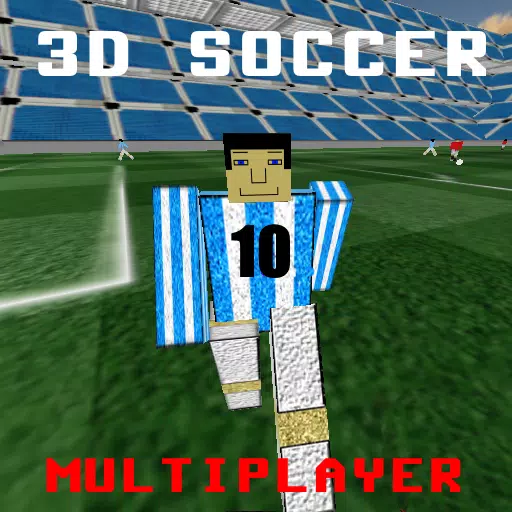
First-Person Soccer Experience
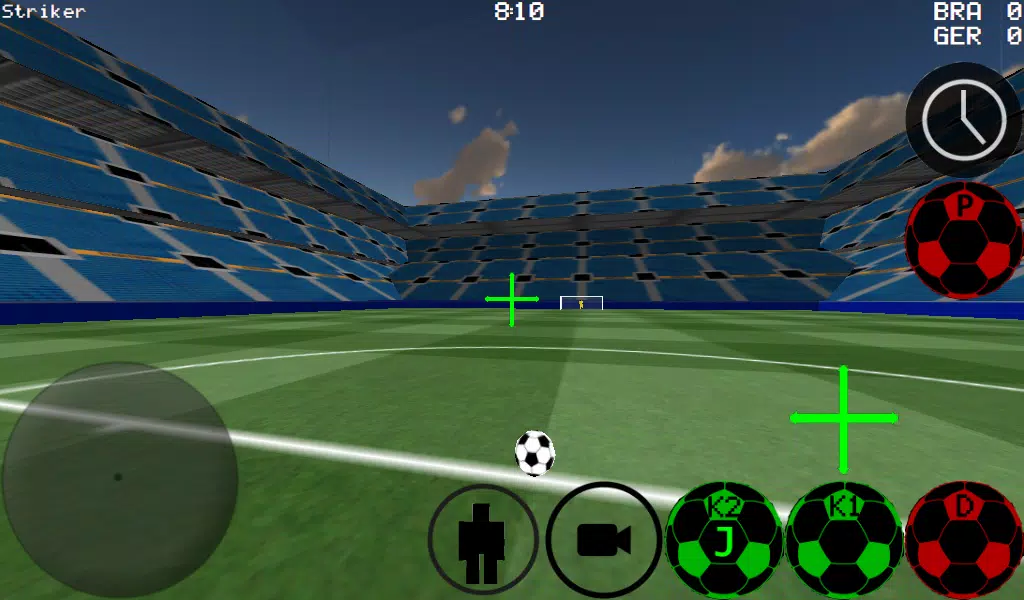
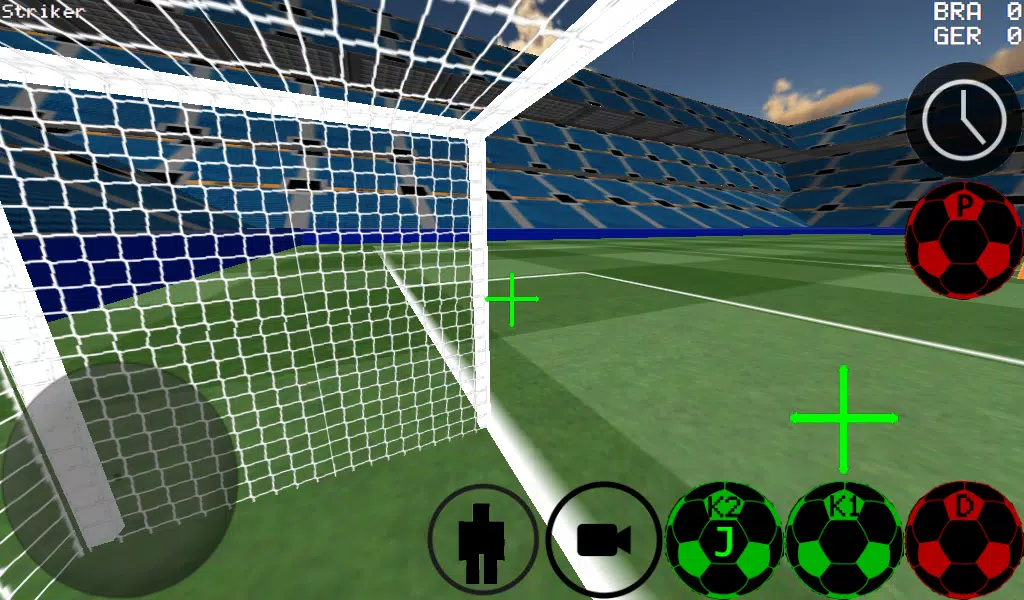
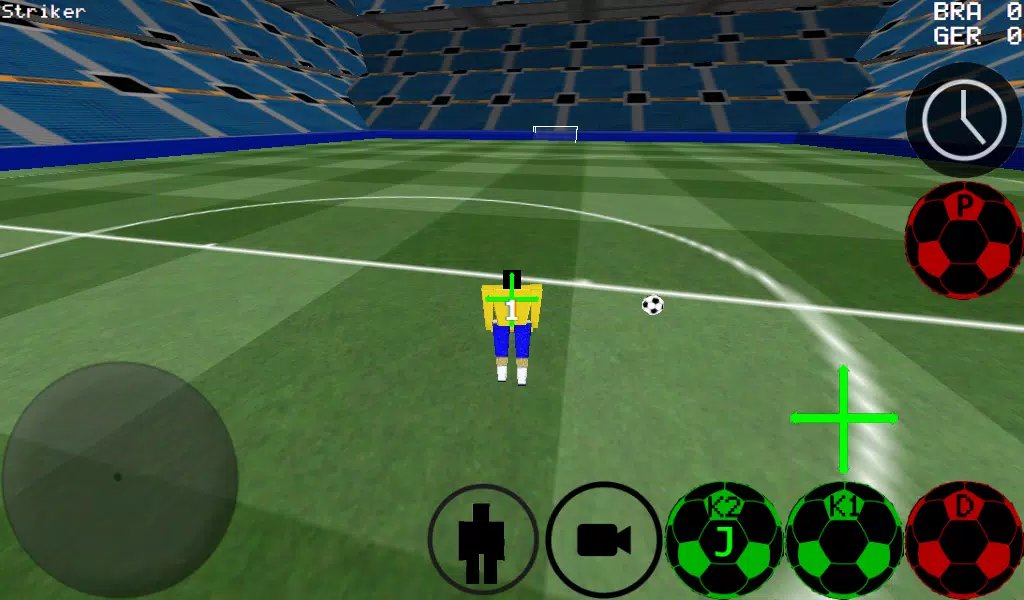
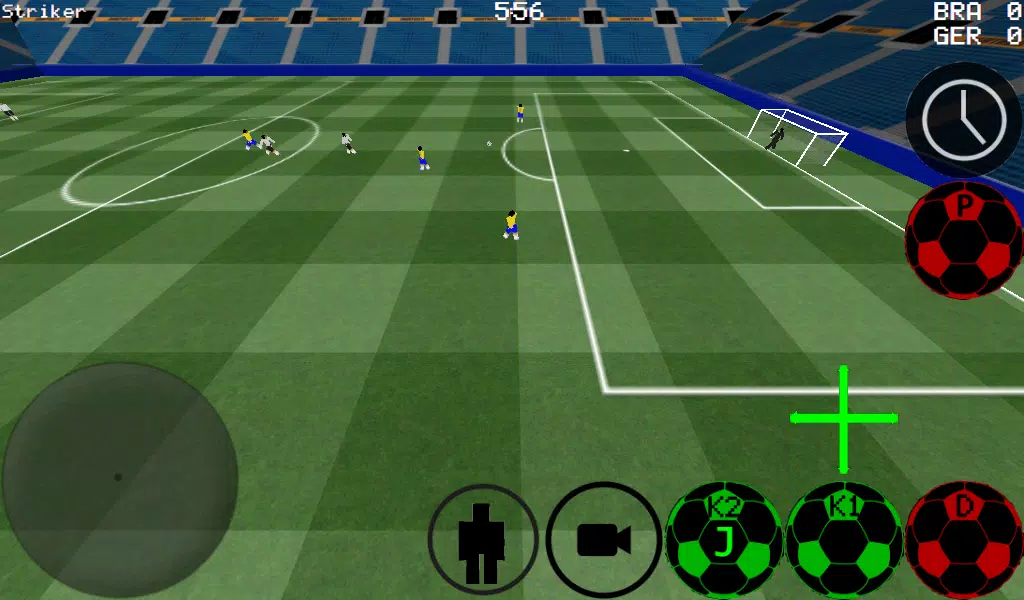
Soccer from a first-person perspective, with additional third-person, top-down, and stadium camera views.
-Advanced ball control for precise dribbling and kicking
-Play matches from 4 vs 4 up to 11 vs 11.
-Take control of any player on the pitch
-Options for both automatic and manual dribbling
-Play as the goalkeeper.
-Practice free kicks
-Practice corner kicks
-Practice against the wall
-Freestyle mode
-Ball spin physics
-Slow down time to line up the perfect shot
-Supports LAN and Internet multiplayer for up to 5 vs 5.
-K1 and K2 buttons kick the ball in the direction you're facing
-Two unique stadiums
-Experimental USB Xbox 360 Controller Support
Xbox 360 USB Controller Layout
A = Dribble
X = Medium Pass/Kick (in Camera Direction)
Y or RIGHT BUTTON = High Power Kick (in Camera Direction)
B = PASS (AI passes to selected player)
START = Change Camera View
LEFT Button = Slow Time
UP PAD = Switch Controlled Player
BACK = RETURN TO MAIN MENU
RIGHT HAT = Camera Control
LEFT HAT = Player Movement
Setting up a WAN/LAN server.
1. Turn on Wi-Fi (ensure connection to a Router/Modem)
2. Click on LAN GAME
3. Click on START SERVER
4. Click Connect (once or twice). You are now connected to the server as a player and are also hosting the server.
How to connect to a server (as a second player)
1. Turn on Wi-Fi (ensure connection to the same Router/Modem as the server).
2. Click on LAN GAME
3. Click CONNECT a few times. (You will now be connected to the game)
Playing over the Internet: Creating a Server
1. Port forward port 2500 on your Modem/Router to the IP address of your phone or tablet.
2. Click on LAN GAME
3. Click on START SERVER
4. Click Connect (once or twice). You are now connected to the server as a player and are also hosting the server.
CONNECTING TO AN INTERNET SERVER
1. CLICK LAN CONNECT
2. CLICK IP / TO SERVER
3. ENTER THE SERVER'S IP ADDRESS (e.g., 201.21.23.21) and click connect. Press once or twice until you join.












-
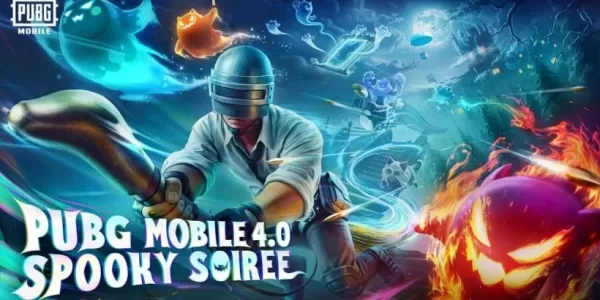 PUBG Mobile, 새 스푸키 소이어 모드와 kaiju no. 8 콜라보레이션 도입
PUBG 모바일의 스픠키 소이어 모드가 최신 업데이트로 등장합니다새로운 고스티 컴패니언을 활용하고 상대가 프랭커 고스트로 변하는 것을 피하세요카이주 넘버 8의 익숙한 얼굴을 바탕으로 한 새로운 캐릭터 세트를 획득하세요9월이지만, 사람들이 말하듯 이번 달 전체가 사실상 할로윈 이브입니다. 크래프톤도 이에 동의하는 듯 PUBG 모바일에 새로운 스픠키 소이어가 등장합니다. 유령, 귀신, 그리고 괴수 테마에 맞게 히트 애니메이션 시리즈 ‘카이주 넘버
Oct 05,2026 -
 사디 싱, 진 그레이 캐스팅 루머 몰랐다
이번 달 초, 스탠드 바이 미에서 맥스 메이필드 역으로 알려진 세이디 싱이 토마호olland과 함께 스파이더맨 4에 합류한다는 보도가 나왔다. 데드라인에 따르면, 2016년 자서전 스포츠 영화 척으로 데뷔한 이 여배우는 올해 제작에 들어가고 2026년 7월 31일 개봉할 upcoming MCU 작품에 출연할 예정이다.데드라인이 접근했을 때 마블과 소니는 논평을 거부했지만, 해당 매체는 싱이 엑스맨의 진 그레이나 다른 상징적인 빨간 머리 스파이더
Oct 05,2026 - ◇ 로드맨: 범죄 관리 멀티플레이어 게임 Oct 03,2026
- ◇ 뱀파어 크롤러가 데크빌딩 던전 크롤링에 서바이버의 혼란을 가져온다 Sep 30,2026
- ◇ ‘아크 레이더스’, 다가오는 이벤트 ‘콜드 스냅’의 새로운 티저 공개, 치명적인 모습 Sep 29,2026
- ◇ 원스 휴먼 x 팔월드 협업 출시, 새로운 편차 융합 시나리오 동반 공개 Sep 29,2026
- ◇ 미니 모터웨이츠, 업데이트로 크리에이티브 모드 추가 Sep 24,2026
- ◇ 신짱구: 시로 & 석탄 마을 크런치롤 게임 볼트에 등장 Sep 21,2026
- ◇ MageTrain: 로그라이크 픽셀 아트 게임이 안드로이드에 출시 Sep 21,2026
- ◇ 트릭칼 치비 고 – 초보자를 위한 완전한 가챠 가이드 Sep 20,2026
- ◇ 워해머 40K 스페이스 마린 2: DRM 또는 데뉴보 불필요 Sep 15,2026
- ◇ RFID 차단 남성용 슬림 가죽 지갑을 $5에 구매하세요 Sep 15,2026

![Roblox Forsaken 캐릭터 Tier List [업데이트] (2025)](https://img.actcv.com/uploads/18/17380116246797f3e8a8a39.jpg)


- 1 사일런트 힐 2 리메이크, 2025년 Xbox, 스위치 출시 확정 Feb 08,2025
- 2 Dragon Soul Tier List : Ultimate Guide May 12,2025
- 3 '호스트에 연결할 수 없음'오류가 준비되었는지 여부를 고치십시오 : 빠른 솔루션 Jun 13,2025
- 4 2025 년 최고의 무료 만화 사이트 및 앱 Mar 18,2025
- 5 Asus Rog Ally를 TV 또는 모니터에 연결하십시오 : Easy Guide Apr 06,2025
- 6 "페르소나 게임 및 스핀 오프 : 전체 연대기 목록" Apr 09,2025
- 7 Bluestacks를 사용하여 PC에서 JioHotstar를 실행하는 방법 Feb 28,2025
- 8 어 ass 신 크리드 그림자 : Max Level과 Rank Cap이 공개되었습니다 Mar 27,2025





-
모바일 용 중독성 아케이드 게임
총 10









