
GridArt
- 예술 디자인
- 1.8.3
- 16.5 MB
- by Technical Diet - GridArt
- Android 6.0+
- Jun 23,2026
- 패키지 이름: com.gridArt.drawing
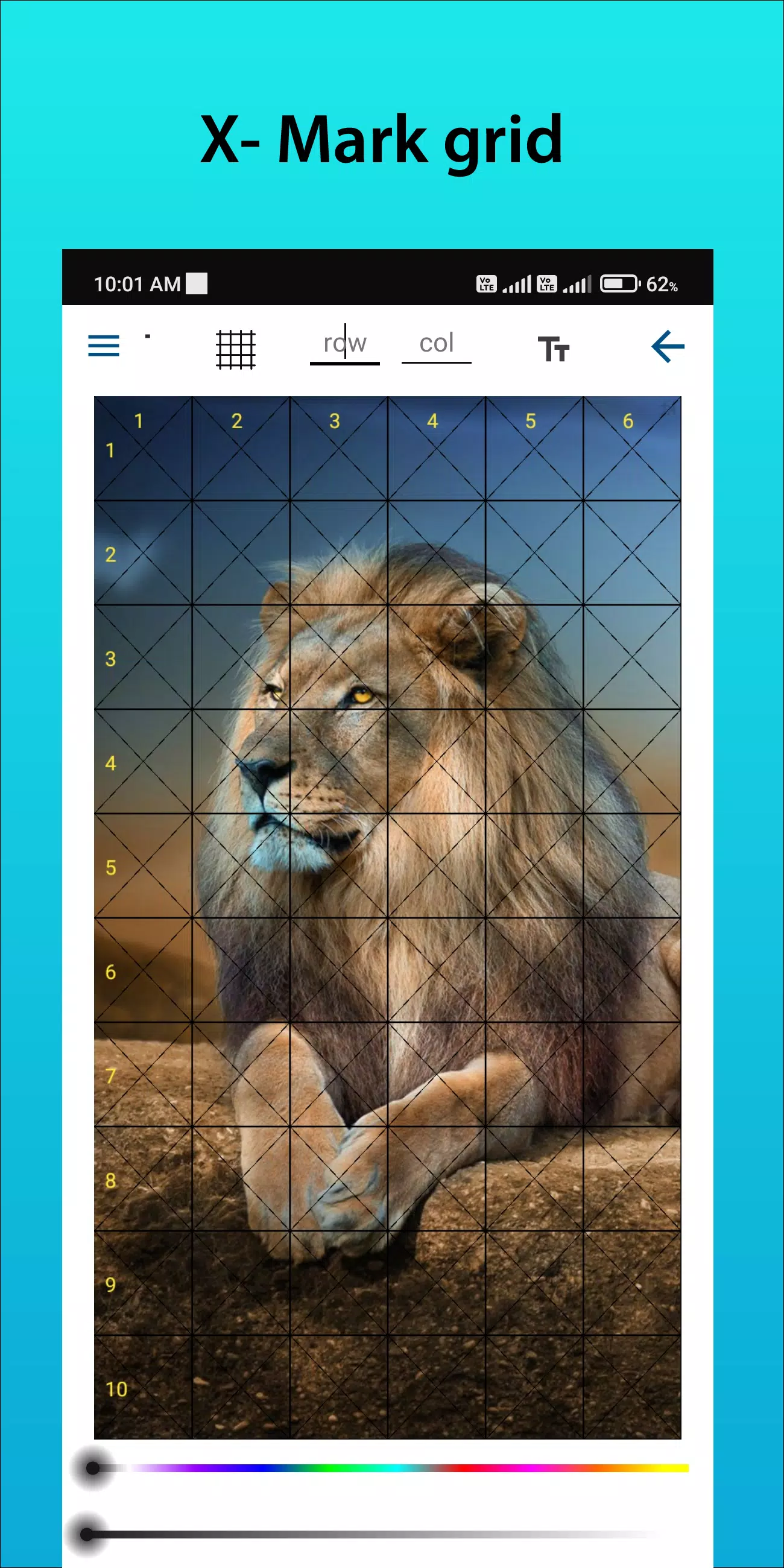
Grid Drawing for Artists: Effortlessly overlay customizable grids on any image to transform your drawing process.
GridArt: The Ultimate Tool for Artists to Achieve Perfect Proportions and Precision!
Welcome to GridArt!
Whether you are a budding artist or an experienced professional, GridArt is the ideal tool to elevate your drawing skills and create breathtaking artwork. Our app simplifies the grid drawing method, allowing you to overlay fully customizable grids on your images with pinpoint accuracy. This makes transferring your reference to canvas or paper remarkably straightforward.
What is the Grid Drawing Method?
The grid drawing method is a time-tested technique that enhances drawing accuracy and proportions. It involves dividing both your reference image and drawing surface into a grid of equal squares. By concentrating on one square at a time, you can replicate intricate details with confidence, ensuring the entire composition maintains perfect proportions.
Why Choose GridArt: Grid Drawing for Artists?
The grid method has been a trusted artist's tool for centuries. GridArt modernizes this classic approach with advanced technology, offering a suite of customization options tailored to your creative workflow.
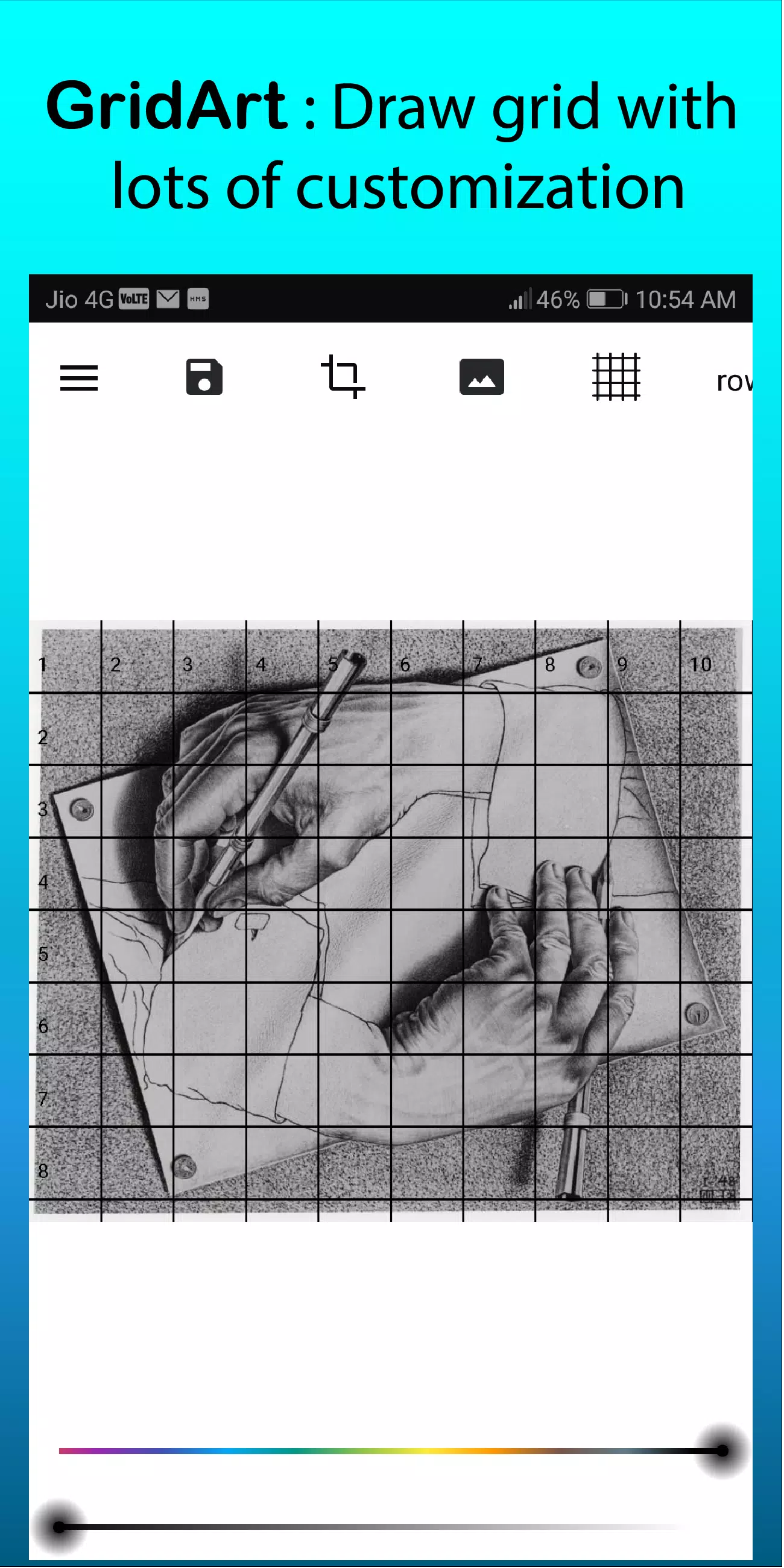
- Customizable Grids: Select your preferred number of rows and columns, adjust grid line thickness and color, and even add diagonal guides for enhanced precision.
- User-Friendly Interface: Our intuitive design makes uploading images, customizing grids, and saving your projects a seamless experience.
- High-Resolution Output: Export your gridded images in high resolution, ideal for printing and using as a detailed reference.
How to Use GridArt
Master the grid method with these simple steps:
- Select Your Reference Image: Choose the photo or image you wish to draw.
- Create a Grid on the Reference Image: Overlay a grid of evenly spaced vertical and horizontal lines. You can choose any square size, with 1-inch or 1-centimeter squares being popular options.
- Create a Grid on Your Drawing Surface: Draw a matching grid on your paper or canvas, ensuring the number and proportions of the squares align perfectly with your reference image.
- Transfer the Image: Focus on one square at a time. Carefully replicate the lines, shapes, and details from each square of the reference image onto the corresponding square on your drawing surface. This method guarantees accurate proportions and placement.
- Erase the Grid (Optional): Once your drawing is complete, you can gently erase the grid lines if desired.
Key Features of Grid Drawing
- Draw grids on any image from your gallery and save them for print.
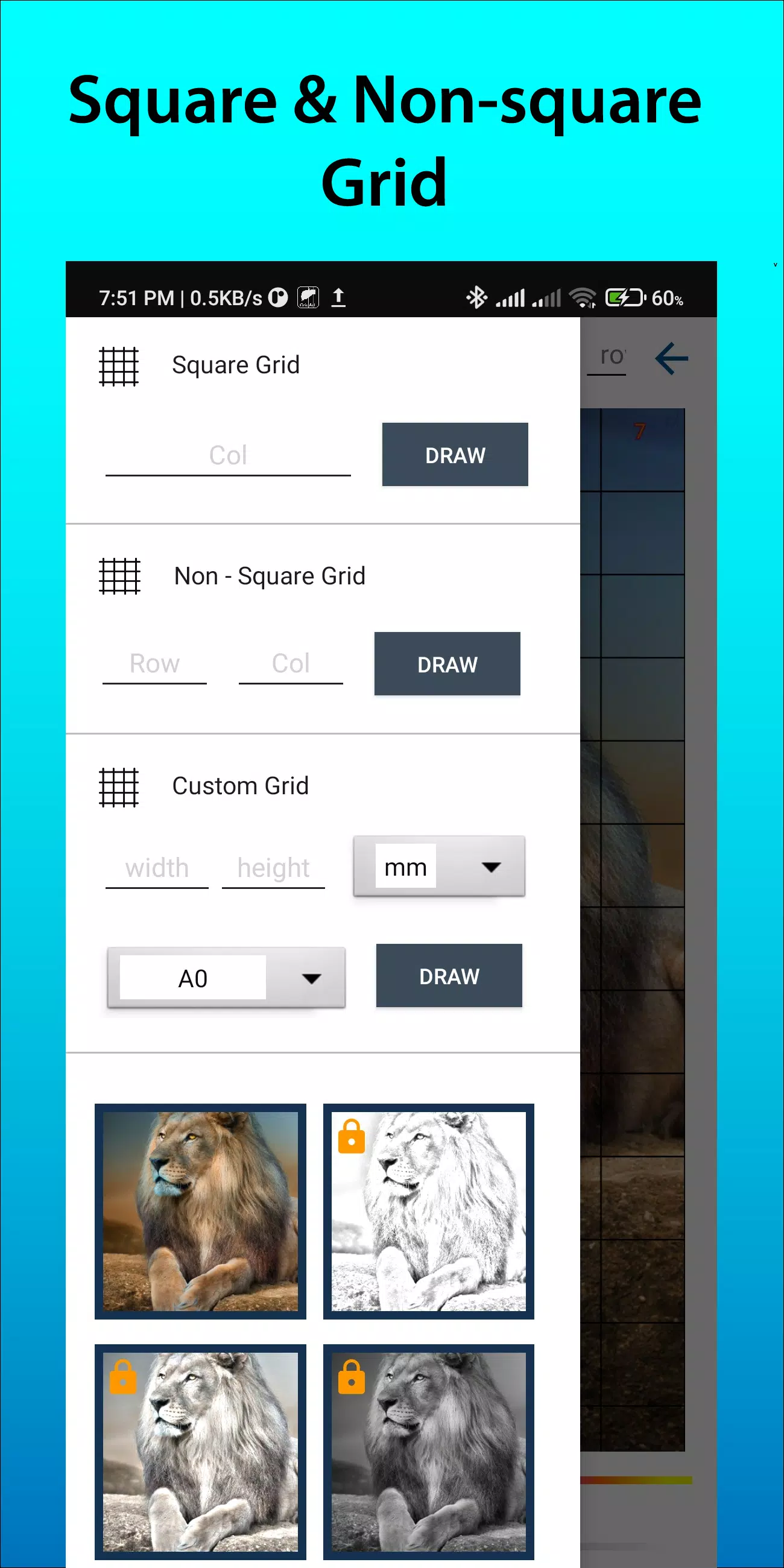
- Grid Drawing with square, rectangle, or custom grids defined by your chosen rows and columns.
- Crop photos to any aspect ratio or use presets like A4, 16:9, 9:16, 4:3, and 3:4.
- Toggle row, column, and cell numbering on/off with adjustable text size.
- Apply various grid label styles for better organization.
- Customize grid lines with regular or dashed styles and adjust line width.
- Change the color and opacity of grid lines and row/column numbers.
- Apply a sketching filter to simplify your reference image.
- Create grids using specific measurements (mm, cm, inch).
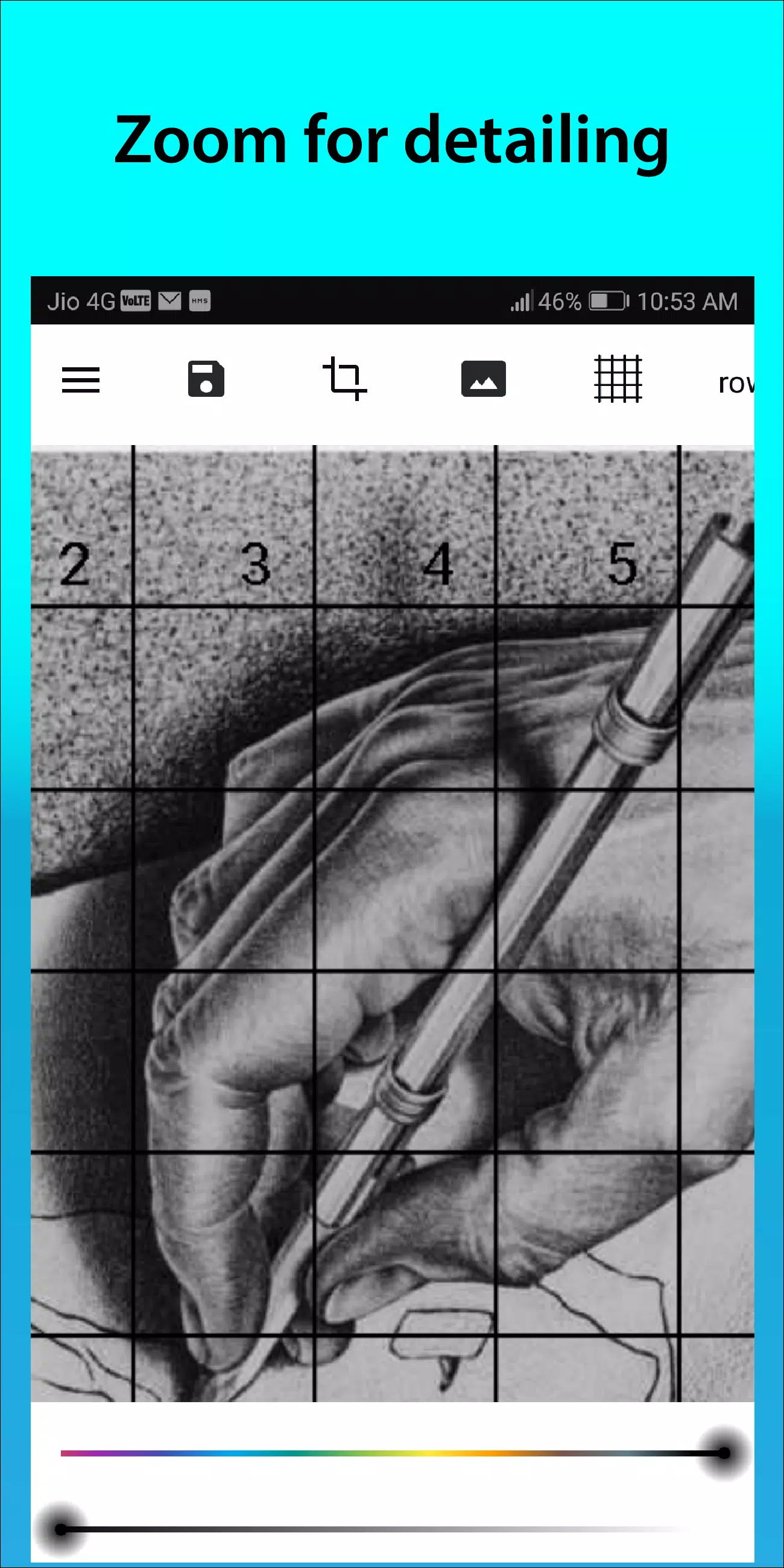
- Zoom in on your image to capture fine details.
Follow us on Instagram @gridArt_sketching_app and contact us with any questions or suggestions. Use #gridArt on Instagram for a chance to be featured.
What's New in the Latest Version 1.8.3
Last updated on Sep 14, 2024
- # Screen lock feature added
-
Future Self Face Aging Changer
-
Graffiti Spray Can Art - LIGHT
-
Ai Art Generator - Aiota Ai
-
Reconn4D - Modeling, Animation

-
AR Drawing Sketch Paint
-
Epoxy Resin Art Ideas
-
Mens Fashion Design Ideas

-
ImageGpt - AI Art Generator
-
সকল দিবসের পোস্টার

-
Ai Studio
-
The Classic
-
CamShot
-
How to Draw Anime
-
AIO: AI Art & Photo Generator
-
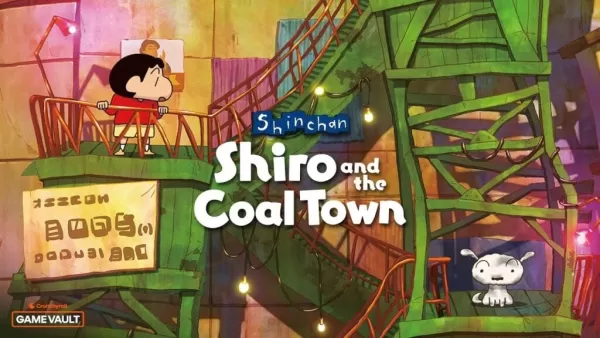 신짱구: 시로 & 석탄 마을 크런치롤 게임 볼트에 등장
신짱구: 시로와 석탄 마을이 이제 크런치롤 게임 뱅크를 통해 안드로이드에서 이용 가능합니다. 이 매력적인 일상 생활 모험은 2024년 2월 일본에서 닌텐도 스위치로 처음 출시되었으며, 2024년 10월 스위치와 PC에서 전 세계적으로 출시되었습니다. 이제 모바일 사용자들이 이 경험을 즐길 수 있게 되었습니다.신짱구: 시로와 석탄 마을 – 매력적인 애니메이션 미스터리이야기는 히로시가 고향 근처에서 일자리를 찾은 후 노하라 가족이 아키타현의 한적한
Sep 21,2026 -
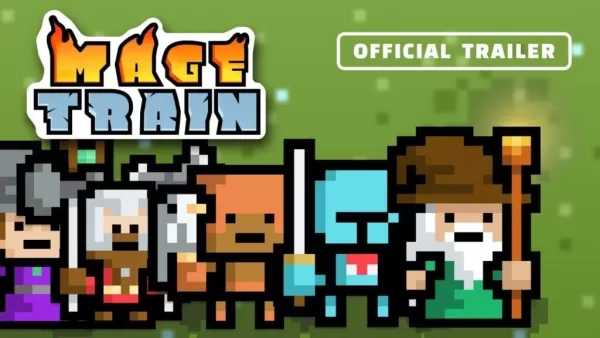 MageTrain: 로그라이크 픽셀 아트 게임이 안드로이드에 출시
Tidepool Games이 Android를 위해 빠르고 격렬한 픽셀 아트 '스네이크 스타일' 로그라이크 게임 'MageTrain'을 출시했습니다. 이전에 'Nimble Quest'를 즐겼다면 유사점을 분명히 느낄 수 있을 것입니다. 실제로 이 새로운 게임은 'Nimble Quest'로부터 상당한 영감을 얻었습니다.MageTrain은 무엇인가요?MageTrain은 스네이크, 오토 배틀러, 로그라이크의 요소를 결합합니다. 당신은 선두 캐릭터 뒤에
Sep 21,2026 - ◇ 트릭칼 치비 고 – 초보자를 위한 완전한 가챠 가이드 Sep 20,2026
- ◇ 워해머 40K 스페이스 마린 2: DRM 또는 데뉴보 불필요 Sep 15,2026
- ◇ RFID 차단 남성용 슬림 가죽 지갑을 $5에 구매하세요 Sep 15,2026
- ◇ 크레스티: 게이밍 분야에서 10분 만에 상위 10위 진입을 약속하다 Sep 14,2026
- ◇ 인피니티 니키 1.9: 스타듀 밸리 콜라보와 함께 음악 시즌 시작, 새로운 기능 추가 Sep 13,2026
- ◇ 닌텐도 스위치 2용 ‘donkey kong bananza’ 25% 할인, 여전히 IGN이 선정한 2025년 유일한 걸작 게임 Sep 12,2026
- ◇ Microsoft는 자체 VR 헤드셋을 만들지 않지만, 400달러짜리 메타 퀘스트 3S 엑스박스 에디션이 있습니다 Sep 10,2026
- ◇ 'honor of kings'와 'jujutsu kaisen'의 콜라보레이션 Sep 09,2026
- ◇ 과육 유무에 관계없이 음료, 비공식 크로스워드 퍼즐 단서 - Try Hard Guides Sep 09,2026
- ◇ 우치 더 웨이퍼리어 공개일 및 시간 Sep 08,2026

![Roblox Forsaken 캐릭터 Tier List [업데이트] (2025)](https://img.actcv.com/uploads/18/17380116246797f3e8a8a39.jpg)


- 1 사일런트 힐 2 리메이크, 2025년 Xbox, 스위치 출시 확정 Feb 08,2025
- 2 '호스트에 연결할 수 없음'오류가 준비되었는지 여부를 고치십시오 : 빠른 솔루션 Jun 13,2025
- 3 Dragon Soul Tier List : Ultimate Guide May 12,2025
- 4 2025 년 최고의 무료 만화 사이트 및 앱 Mar 18,2025
- 5 Asus Rog Ally를 TV 또는 모니터에 연결하십시오 : Easy Guide Apr 06,2025
- 6 Bluestacks를 사용하여 PC에서 JioHotstar를 실행하는 방법 Feb 28,2025
- 7 어 ass 신 크리드 그림자 : Max Level과 Rank Cap이 공개되었습니다 Mar 27,2025
- 8 "페르소나 게임 및 스핀 오프 : 전체 연대기 목록" Apr 09,2025





-
모바일 용 중독성 아케이드 게임
총 10









