
Artecture
- 藝術與設計
- 5.2.0.4
- 25.9 MB
- by Samsung R&D Institute Bangladesh
- Android 4.1+
- Jun 19,2026
- 圍名: com.samsung.android.sdrawing
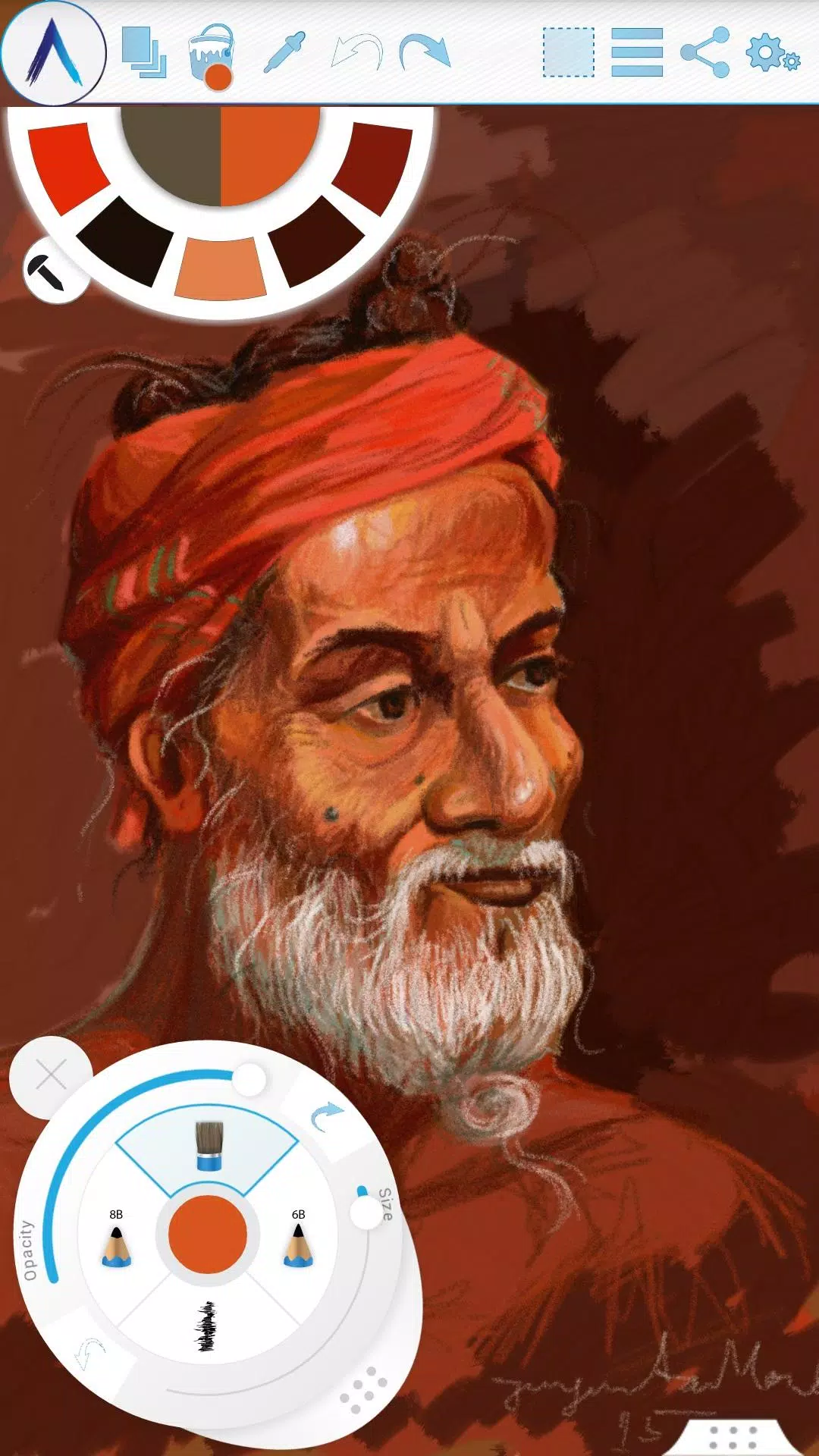
Artecture allows you to sketch, draw, and paint like never before.
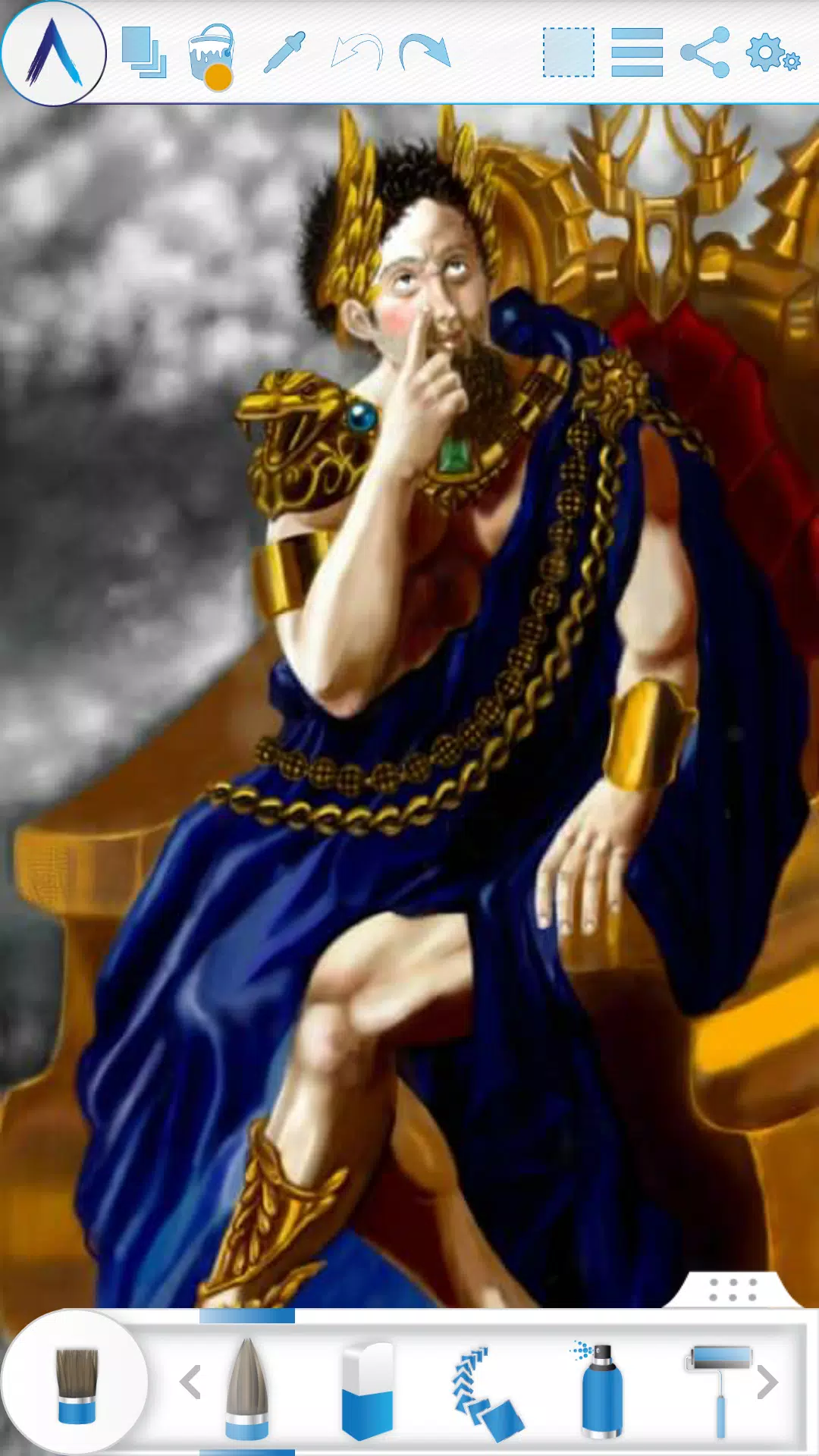
Experience sketching, drawing, and painting in a whole new way with Artecture. Whether you're a beginner or a seasoned pro, Artecture provides all the tools you'll love. Enjoy over 30 unique, high-quality, and realistic tools. Customize them to match your personal artistic style—you'll love it. Created by art lovers for art lovers like you, it offers a simple, beautiful, and fun experience all in one. You can do everything from jotting down notes to creating quick architectural sketches, cartoons, illustrations, and watercolor or oil paintings. It feels incredibly real. The best part? It's completely free, with no ads and no download requests.
Get it now and discover a natural, authentic canvas experience for drawing, painting, and sketching.
Join the Artecture artist community on Facebook to learn more, share your work, and connect with others!
Facebook:
Page Name: Artecture Digital Art Community
Link: https://www.facebook.com/artecture.digiart
Main Features:
• All your favorite drawing and painting tools, including Pencil (for realistic sketching), Marker Pen, Oil Brush, Oil Blend brush, Oil Real brush, Water Color, Airbrush, Palette Knife (with color mixing), Paint Roller, Paint Tube, Eraser, Flood Fill, Glitter Tube, Far brush, Gradient Brush, Fill Pattern for Every Tool, and more.
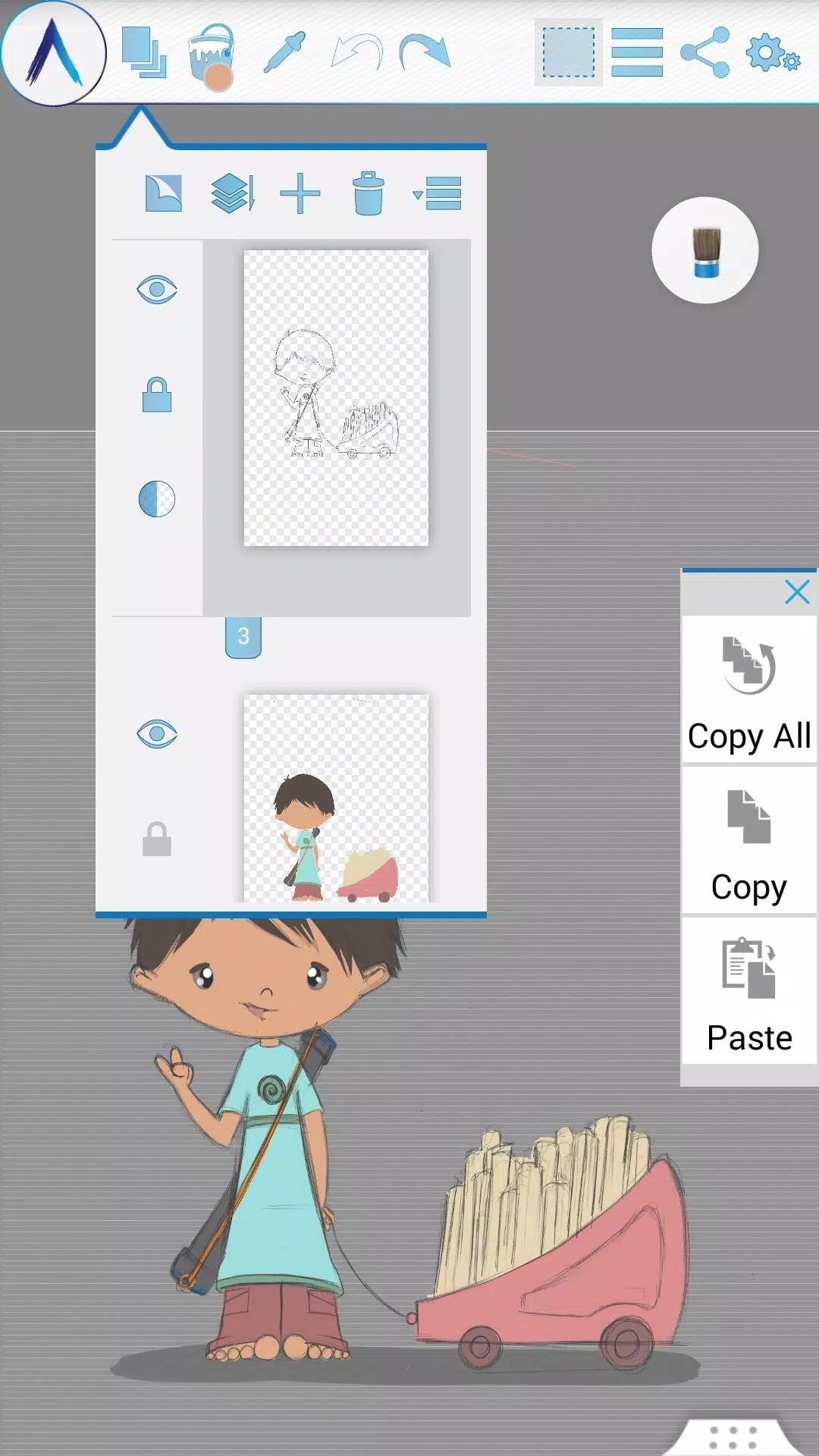
• Multi-Layer support with create, remove, lock, visibility, opacity, re-ordering, and merge functions.
• Apply different image effects on selected layers like Sepia, Inverse, Blur, Gray, Bright, and Colorize.
• Symmetry tools: Vertical, Horizontal, and Concentric, with changeable symmetry centers.
• Tracing with automatic color pick, Template Coloring, and Import/Export Image functionality.
• Draw Geometric Shapes (Freehand, Line, Rectangle, Circle).
• Pen-Only mode for palm rejection.
• Canvas rotation.
• Multi-Touch shortcuts.
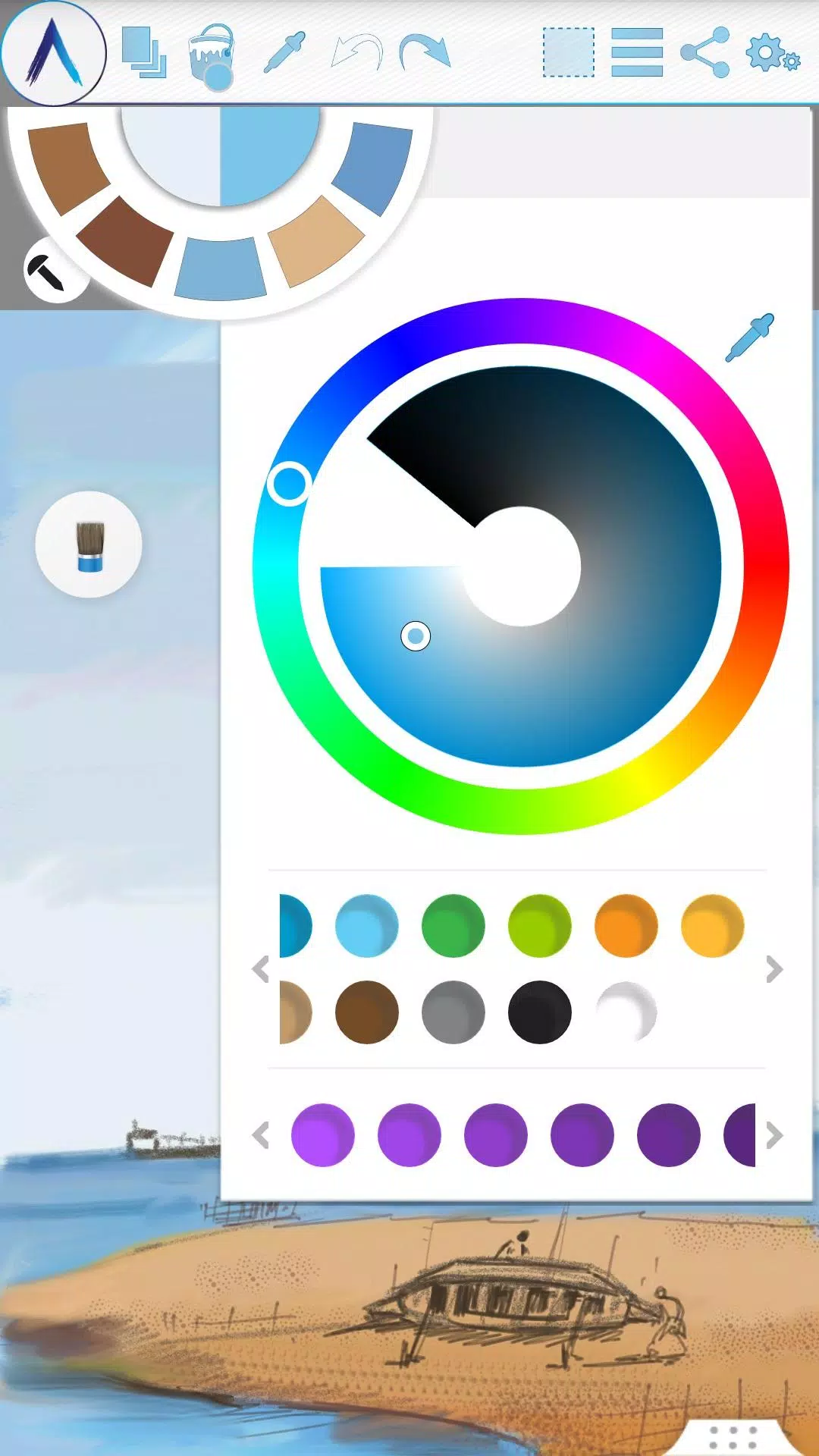
• Color Palette with favorite color defaults and a color picker.
• Floating favorite Color and Tool Palettes.
• Rectangular and Freehand selection tools.
• Copy, Paste, Rotate, and mirror selected areas.
• Text Insertion (Insert, resize, rotate, and mirror text).
• Export artworks to standard image formats (.jpeg, .png, .bmp).
• Auto-save for your artworks.
• Open your last drawing with your preferred tool settings.
• Set a static background (Texture, Color, or Image).
• Tool presets for quick access.
Storage:
• By default, artworks are saved in an "Artecture" folder on your device storage in the .bme file format (viewable only in the Artecture Gallery). You can also export to the .bmp format. To reuse a .bmp file, simply insert it using the insert option.
• Option to change the default storage location. The Gallery can detect .bme artworks from all chosen locations on your device.
Sharing:
• Upload artworks to Facebook & PenUp directly from the canvas or gallery.
• Share artworks via Bluetooth and Wi-Fi Direct.
• Mail, send, or save artworks and exported images via MMS, email, SHAREit, and other installed applications.
Help & Support:
A quick reference guide covers the app's basic features.
Need help? Feel free to email us at: [email protected]
Specialty:
• This advanced digital painting tool is free of charge.
• You won't be bothered by any advertisements, as we've made it completely ad-free.
The Artecture screenshots feature artworks from students and professors of the Fine Art Department at Dhaka University. We thank them for allowing us to share their work.
Special thanks to Mr. Gar Cia for allowing us to feature his artwork in our screenshots.
Permissions:
The following permissions are required for the app to function.
Required permissions
Storage: Used to save drawing files.
Optional permissions
None
### What's New in the Latest Version 5.2.0.4
Last updated on Feb 8, 2019
Version Number: 5.2.0.4
• Fixed the "Permission required" issue for non-Samsung devices.
• Fixed crashes and issues preventing saves.
Version Number: 5.2.0.2
• Added dynamic permission handling.
• Various bug fixes.
Version Number: 5.1.2.0
• Auto Save: Progress is now automatically saved periodically.
• Bug Fix: Minor bug fixes implemented.
-
Silv4Life Design [Blog & Shop]
![Silv4Life Design [Blog & Shop]](https://img.actcv.com/uploads/86/173464747667649eb4baf1c.webp)
-
Christmas Poster Maker

-
YearCam

-
Örgü & Lif Modelleri
-
Medical Logo Maker

-
Food And Drink Logo Maker

-
Happy Holi Greeting Card Maker 2021

-
Coloring Travels
-
AI Home Design: Interior Decor

-
Digital Festival Poster Maker

-
AR VR Drawing Coloring Anime
-
Stable Diffusion AI (SDAI)
-
Benime

-
Artsy
-
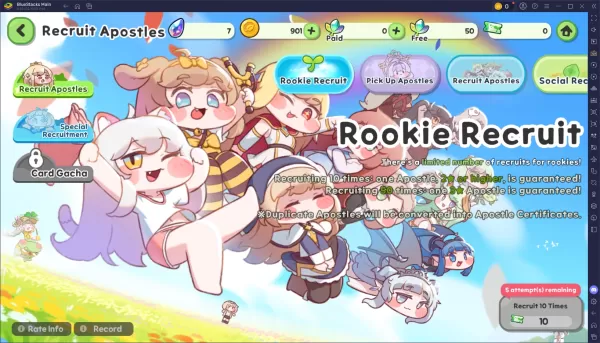 Trickcal Chibi Go - 新手完全抽卡指南
在Trickcal: Chibi Go中,招募使徒是你成長旅程的核心。瞭解應關注哪些卡池、如何有效使用貨幣以及理解重複轉換機制,能確保你在新RPG中構建強大的陣容而不浪費資源。以下是抽卡系統的清晰解析及最大化召喚次數的技巧。可用卡池及其機制在Trickcal中,你將遇到幾種不同的卡池,每個卡池都有獨特的規則、費用和保底機制。掌握這些細節有助於你決定何時何地明智地消耗貨幣。以下是主要卡池:新手招募精選使徒卡池 標準(永久) 使徒特別招募(付費階梯) 社交招募(樹葉點數)務必利用標準卡池和精選卡池中
Sep 20,2026 -
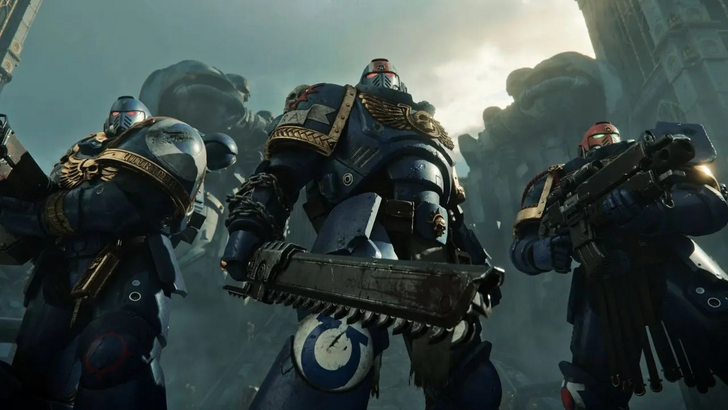 《戰錘40K:星際戰士2》無需DRM或Denuvo
Saber Interactive已確認,《戰錘40,000:星際戰士2》將在沒有任何形式的數字版權管理(DRM)的情況下發售。請繼續閱讀,瞭解隨著遊戲正式發售日期的臨近,遊戲中有哪些內容值得期待!戰錘40K:星際戰士2對使用DRM說“不”也沒有微交易《戰錘40,000:星際戰士2》的開發公司Saber Interactive最近釋出了一份常見問題解答(FAQ),概述了玩家進入遊戲後可能體驗到的內容。隨著9月9日發售日期的臨近,Saber Interactive明確表示,這款即將推出的砍殺射擊遊
Sep 15,2026 - ◇ 僅需5美元即可入手一款RFID防磁男士 slim 皮革錢包 Sep 15,2026
- ◇ Cresty:黎明承諾在遊戲中的前10分鐘 Sep 14,2026
- ◇ 無限暖暖1.9版本:音樂季上線,搭配星露穀物語聯動及新功能 Sep 13,2026
- ◇ 任天堂Switch 2版《大金剛Bananza》立享75折,IGN稱其為2025年唯一傑作 Sep 12,2026
- ◇ 微軟不造自己的VR頭顯,但400美元的Meta Quest 3S Xbox版來了 Sep 10,2026
- ◇ 《王者榮耀》攜手《咒術回戰》 Sep 09,2026
- ◇ 有果肉或無果肉的飲料,非正式說法 - 十字謎題線索 - 努力指南 Sep 09,2026
- ◇ 《烏奇:流浪者》上映日期與時間 Sep 08,2026
- ◇ 任天堂Switch 2漲價令PS5在日本市場“鬆了一口氣” Sep 06,2026
- ◇ 漫威遊戲宇宙計劃公佈,因資金不足被擱置 Sep 06,2026

](https://img.actcv.com/uploads/18/17380116246797f3e8a8a39.jpg)


- 1 Silent Hill 2翻拍確認Xbox,轉換在2025年 Feb 08,2025
- 2 修復“無法連接到主機”錯誤是否準備就緒:快速解決方案 Jun 13,2025
- 3 Dragon Soul Tier列表:終極指南 May 12,2025
- 4 2025年最好的免費漫畫網站和應用 Mar 18,2025
- 5 將華碩ROG盟友連接到電視或監視器:輕鬆指南 Apr 06,2025
- 6 如何使用Bluestacks在PC上運行JioHotstar Feb 28,2025
- 7 刺客的信條陰影:最大級別和排名帽揭示了 Mar 27,2025
- 8 “角色遊戲和分拆:完整的時間順序列表” Apr 09,2025














