
Join Forces in Marvel Rivals: Unlock Social Connectivity and Multiplayer Thrills
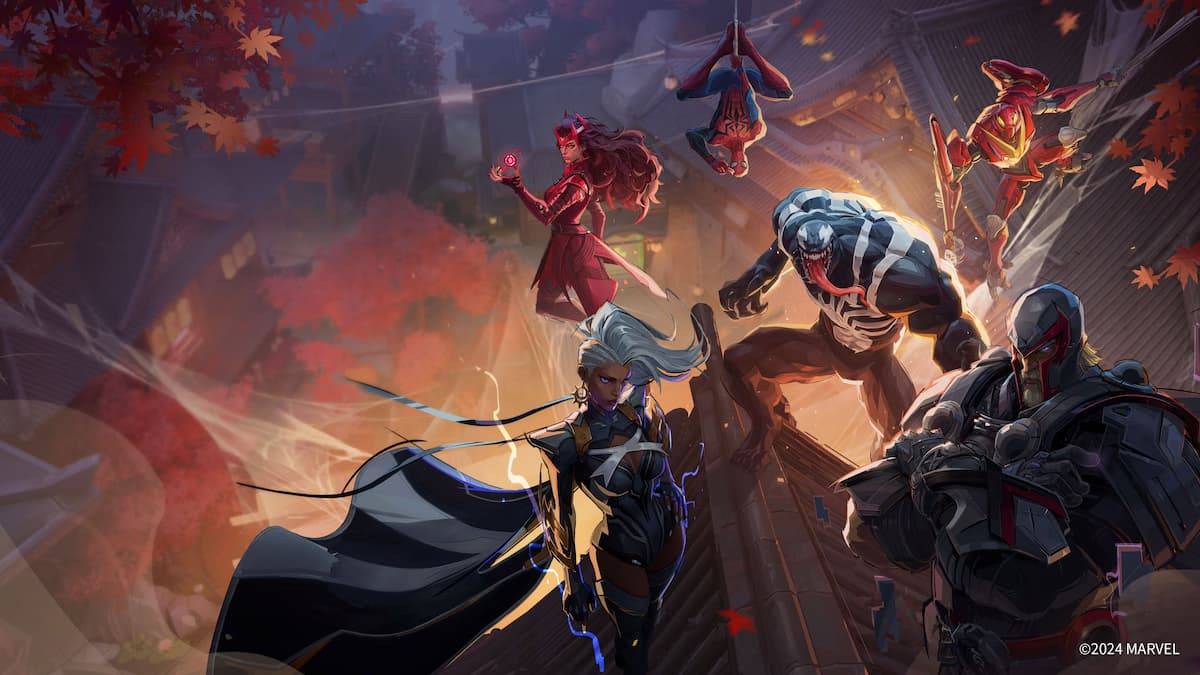
Mastering Marvel Rivals: Friend Invites and Team Play
Marvel Rivals is a 6v6 hero shooter offering both matchmaking and the option to team up with friends. However, currently, cross-platform play and progression are unavailable; this is a planned future feature.
Adding Friends in Marvel Rivals
Locate the friend icon, usually situated in the top corner near your player profile. Clicking this reveals a recent players list; add friends directly from here.
Alternatively, use the search bar to input a username, press Enter, and then add the player. They must accept your friend request before appearing on your list.
Playing With Friends
Once you've built your friends list, playing together is straightforward:
- Access your friends list via the icon (usually top-right).
- Select the desired friend's username.
- Send an invite to your game.
- Queue for quick play or competitive matches.
Console players will find friends added at the system level automatically appear in their Marvel Rivals friends list, simplifying the invitation process.
For more Marvel Rivals tips and guides, check out The Escapist.










![Roblox Forsaken Characters Tier List [UPDATED] (2025)](https://img.actcv.com/uploads/18/17380116246797f3e8a8a39.jpg)


- 1 Silent Hill 2 Remake Confirms Xbox, Switch Release in 2025 Feb 08,2025
- 2 Connect Asus ROG Ally to TV or Monitor: Easy Guide Apr 06,2025
- 3 Fix 'Can't Connect to Host' Error in Ready or Not: Quick Solutions Jun 13,2025
- 4 Dragon Soul Tier List: Ultimate Guide May 12,2025
- 5 The Best Free Comic Book Sites and Apps in 2025 Mar 18,2025
- 6 "Persona Games and Spin-Offs: Complete Chronological List" Apr 09,2025
- 7 How to Run JioHotstar on PC with BlueStacks Feb 28,2025
- 8 Assassin's Creed Shadows: Max Level and Rank Cap Revealed Mar 27,2025





-
Top Arcade Classics and New Hits
A total of 10
-
Addictive Arcade Games for Mobile
A total of 10
-
Android Apps for Video Content Creation
A total of 10









