
Ready or Not: How To Wipe Mods Without Losing All Progress
Removing Mods from Ready or Not: A Comprehensive Guide
Ready or Not's modding community offers exciting enhancements, but mods can sometimes cause instability or prevent multiplayer with unmodded players. This guide details how to completely remove all mods from your game.
Removing Mods: Step-by-Step Instructions
Regardless of your mod installation method (Nexus Mod Manager, mod.io, etc.), these steps will remove all mods:
-
Unsubscribe: Launch Ready or Not. In the in-game Mod Menu, unsubscribe from all active mods. This prevents re-download after deletion. Close the game.
-
Steam Directory Access: Open Steam, right-click Ready or Not in your Library, select Properties, then Installed Files, and finally Browse. This opens the game's directory.
-
Delete Paks Folder (Main Directory): Navigate to
Ready Or Not>Content>Paks. Delete all files and folders within thePaksfolder. Then, delete thePaksfolder itself. -
Delete Paks Folder (LocalAppData): Press Windows+R, type
%localappdata%, and press Enter. Locate theReady Or Notfolder, then navigate toSaved>Paks. Delete thePaksfolder here as well. -
Verify Game Files: Right-click Ready or Not in Steam, go to Properties > Installed Files > Verify Integrity of Game Files. This ensures a clean installation.
-
Optional Reinstall: For a completely fresh start (recommended if you don't plan to use mods again), consider reinstalling the game.
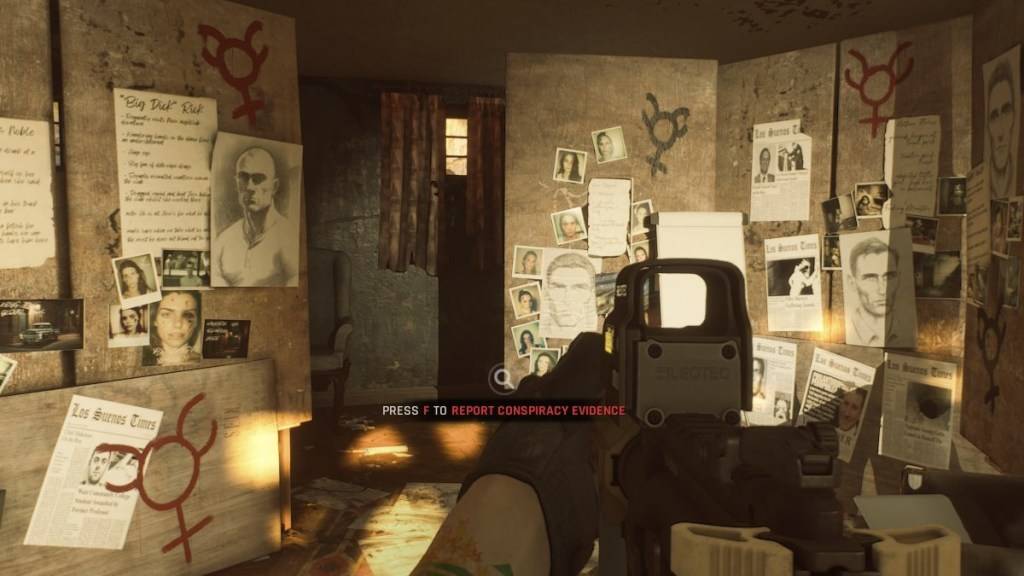
Why Delete Mods?
While mods enhance Ready or Not, they can introduce errors, bugs, and glitches. A clean mod removal often resolves these issues. Furthermore, mods prevent multiplayer with friends who don't have the same mods installed. Deleting mods ensures compatibility and smoother gameplay with unmodded players.
Ready or Not is available now for PC.









![Roblox Forsaken Characters Tier List [UPDATED] (2025)](https://img.actcv.com/uploads/18/17380116246797f3e8a8a39.jpg)


- 1 Silent Hill 2 Remake Confirms Xbox, Switch Release in 2025 Feb 08,2025
- 2 Fix 'Can't Connect to Host' Error in Ready or Not: Quick Solutions Jun 13,2025
- 3 Connect Asus ROG Ally to TV or Monitor: Easy Guide Apr 06,2025
- 4 Dragon Soul Tier List: Ultimate Guide May 12,2025
- 5 The Best Free Comic Book Sites and Apps in 2025 Mar 18,2025
- 6 "Persona Games and Spin-Offs: Complete Chronological List" Apr 09,2025
- 7 Assassin's Creed Shadows: Max Level and Rank Cap Revealed Mar 27,2025
- 8 How to Run JioHotstar on PC with BlueStacks Feb 28,2025





-
Top Arcade Classics and New Hits
A total of 10
-
Addictive Arcade Games for Mobile
A total of 10
-
Android Apps for Video Content Creation
A total of 10









