
R.E.P.O. Drone: How to Acquire and Use
In the horror-themed world of R.E.P.O, your inventory is your lifeline, determining whether you advance to the next stage or face off against teammates in the Disposal Arena. Recharge Drones are vital for success in R.E.P.O., so here's how to acquire and operate them.
How Recharge Drones Function
Certain items at the Service Station, like Mines and Grenades, are single-use, while others have limited battery life and can be fully recharged with Energy Crystals. Early in R.E.P.O., you'll notice a container unit in your truck that charges weapons and drones, consuming one Energy Crystal per use.
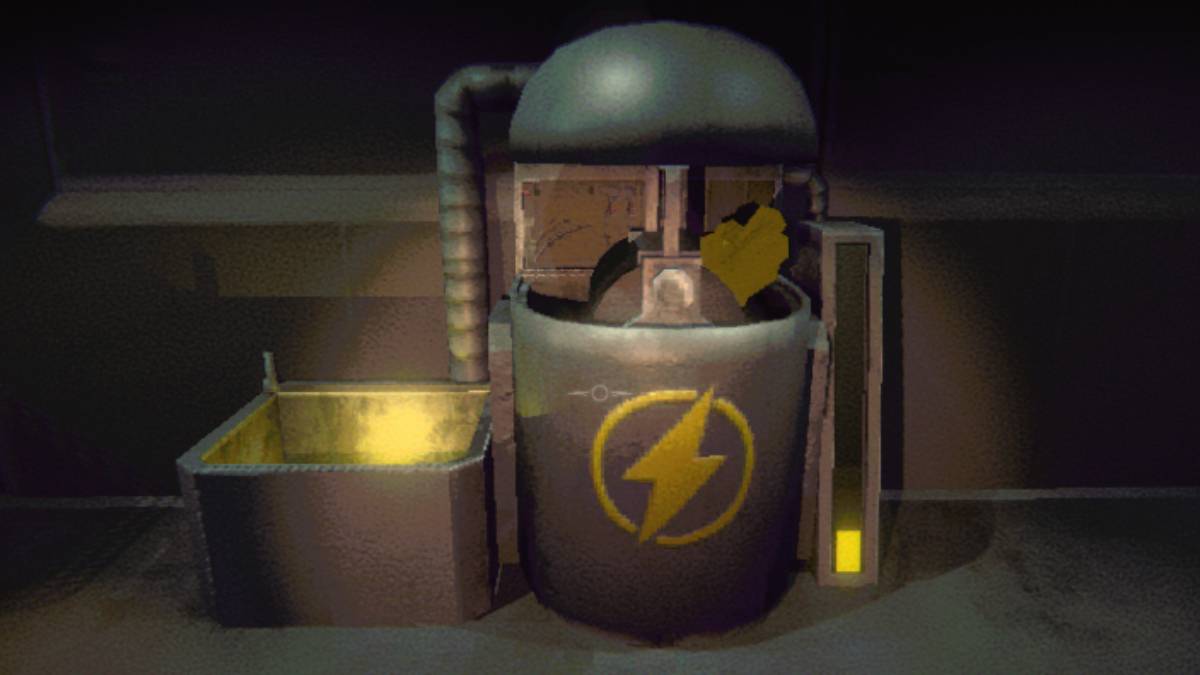
Purchased Energy Crystals are automatically installed into this container, so don't be concerned when they vanish from your inventory. To recharge an eligible item, place it in the adjacent yellow bucket—it will gradually restore to full capacity. This system helps maintain your gear's condition, equipping you for subsequent challenges and numerous monsters.
However, some levels are particularly demanding, and equipment degrades quickly with heavy use. While you can recharge items with Energy Crystals at your truck, you won't always have immediate access to it. That's where the Recharge Drone becomes indispensable, allowing you to manage your gear's power remotely.
Acquiring and Operating the Recharge Drone in R.E.P.O.
As with all game items and upgrades, the Recharge Drone becomes available at the Service Station after completing each level. This is where you can purchase tools to simplify your next mission—provided you have sufficient funds.
Since Service Station inventory rotates randomly, you may need multiple visits before the Recharge Drone appears. It typically costs between $4,000 and $5,000. This compact cube occupies one inventory slot, so assign it to position 1, 2, or 3 after purchase.
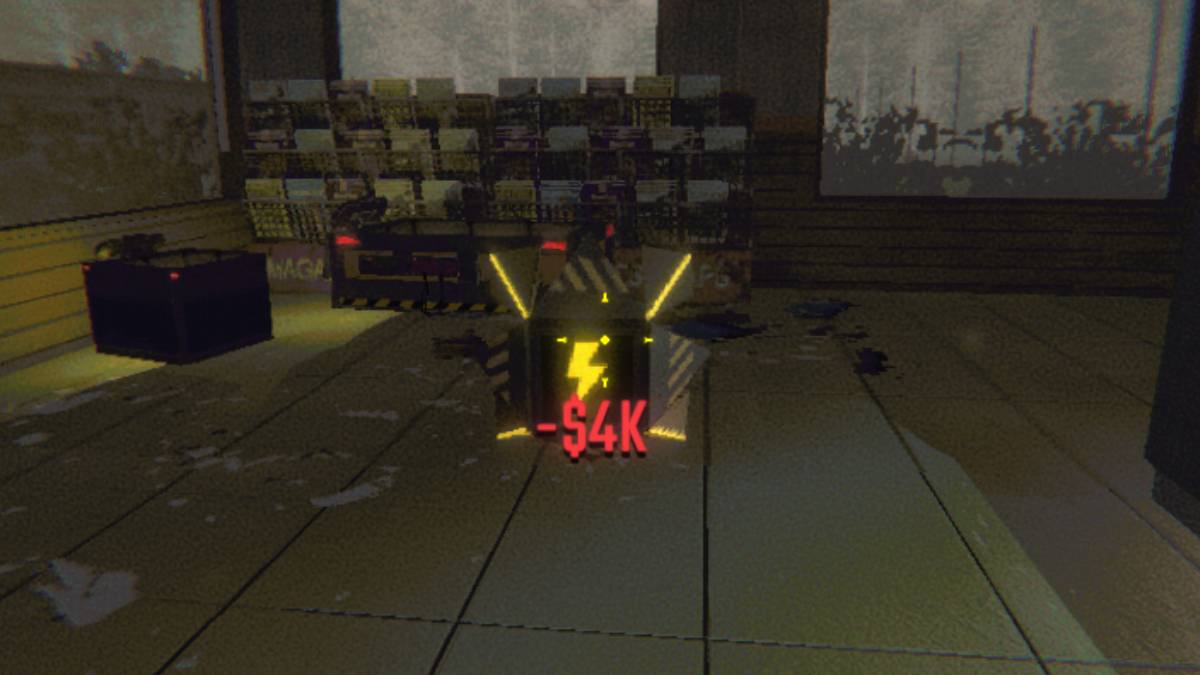
Monitor your equipment's condition through the battery indicator beneath each item. To recharge, select the drone, activate it by pressing 'E', and connect the depleted item. Let the drone perform its function. When the drone itself runs low on power, recharge it at your truck's container using Energy Crystals.
You now know how to locate and utilize the Recharge Drone in R.E.P.O.








![Roblox Forsaken Characters Tier List [UPDATED] (2025)](https://img.actcv.com/uploads/18/17380116246797f3e8a8a39.jpg)


- 1 Silent Hill 2 Remake Confirms Xbox, Switch Release in 2025 Feb 08,2025
- 2 Fix 'Can't Connect to Host' Error in Ready or Not: Quick Solutions Jun 13,2025
- 3 The Best Free Comic Book Sites and Apps in 2025 Mar 18,2025
- 4 Dragon Soul Tier List: Ultimate Guide May 12,2025
- 5 Connect Asus ROG Ally to TV or Monitor: Easy Guide Apr 06,2025
- 6 "Persona Games and Spin-Offs: Complete Chronological List" Apr 09,2025
- 7 Assassin's Creed Shadows: Max Level and Rank Cap Revealed Mar 27,2025
- 8 How to Run JioHotstar on PC with BlueStacks Feb 28,2025





-
Top Arcade Classics and New Hits
A total of 10
-
Addictive Arcade Games for Mobile
A total of 10
-
Android Apps for Video Content Creation
A total of 10









