
Warzone Server Status: How to Check
Quick Links
Call of Duty: Warzone boasts a massive player base and a wealth of content, from Battle Royale and Resurgence maps to the challenging Mastery Camo grind. However, server connection issues can quickly dampen the fun.
As with any large-scale online multiplayer game, server problems are unfortunately a reality. To help you navigate potential disruptions, here's how to check the game's server status and troubleshoot common connection issues.
Updated January 14, 2025, by Max Candelarezi: Server problems often arise after updates, causing disruptions, crashes, and matchmaking difficulties. Knowing whether the issue stems from the servers or your own setup is key. This article has been updated with a dedicated section on server status (Are Warzone Servers Down?), prompted by a recent minor patch that temporarily impacted matchmaking, either preventing access to game modes or significantly increasing wait times.
How To Check If Call of Duty: Warzone Is Down
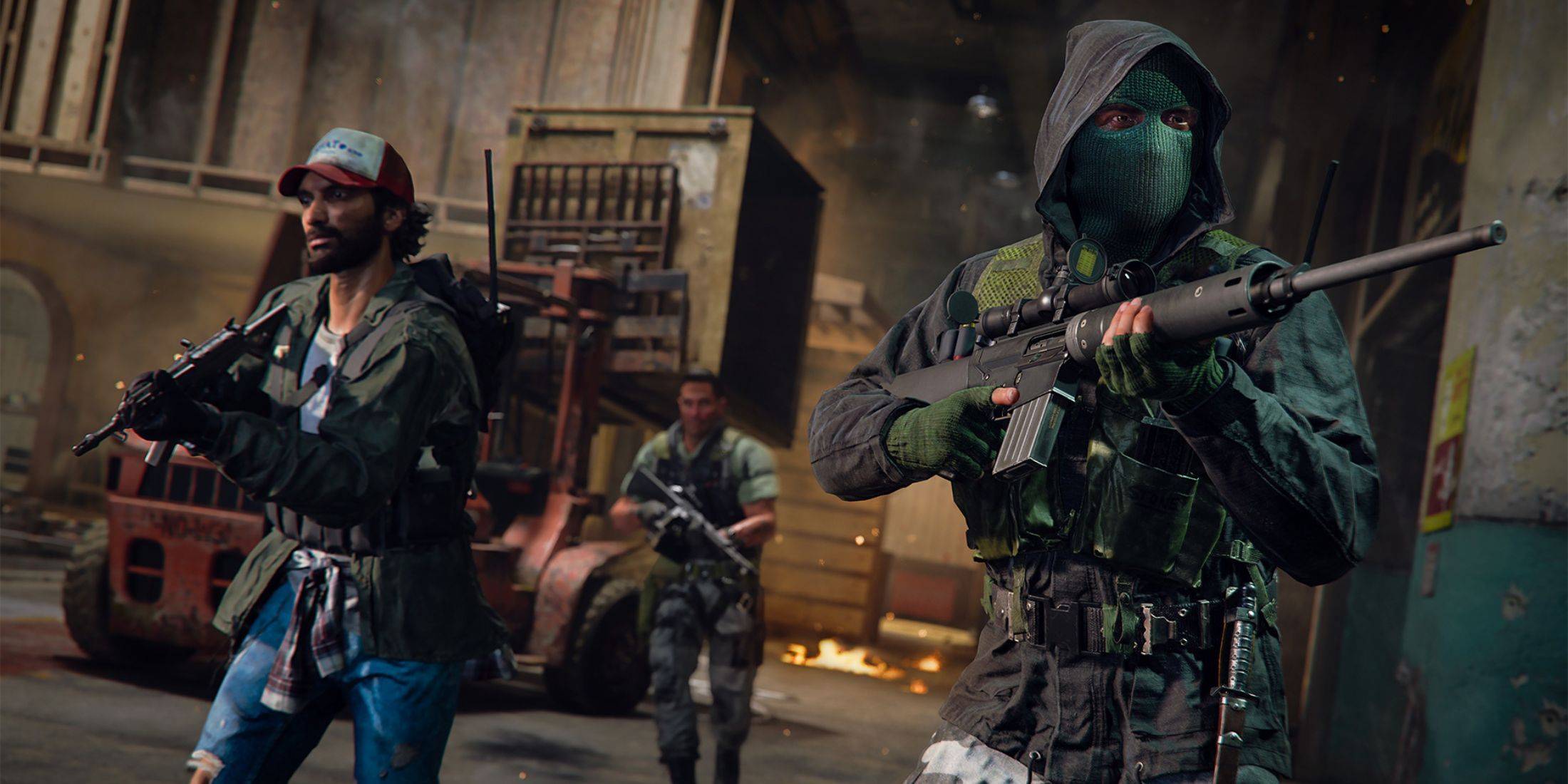 Several reliable methods can help you determine if Warzone's servers are experiencing problems.
Check Activision Support's Online Services Status
The easiest way to check server status is via Activision's Support Online website. This site provides real-time updates on server status for all Call of Duty games, including Warzone. Any issues, including maintenance schedules, will be clearly displayed.
Monitor the COD Updates Account
Call of Duty uses the COD Updates Twitter/X account for direct community communication. This account provides timely updates on issues, errors, updates, and scheduled maintenance. Server outages or maintenance will be announced here.
Are Call of Duty: Warzone Servers Down?
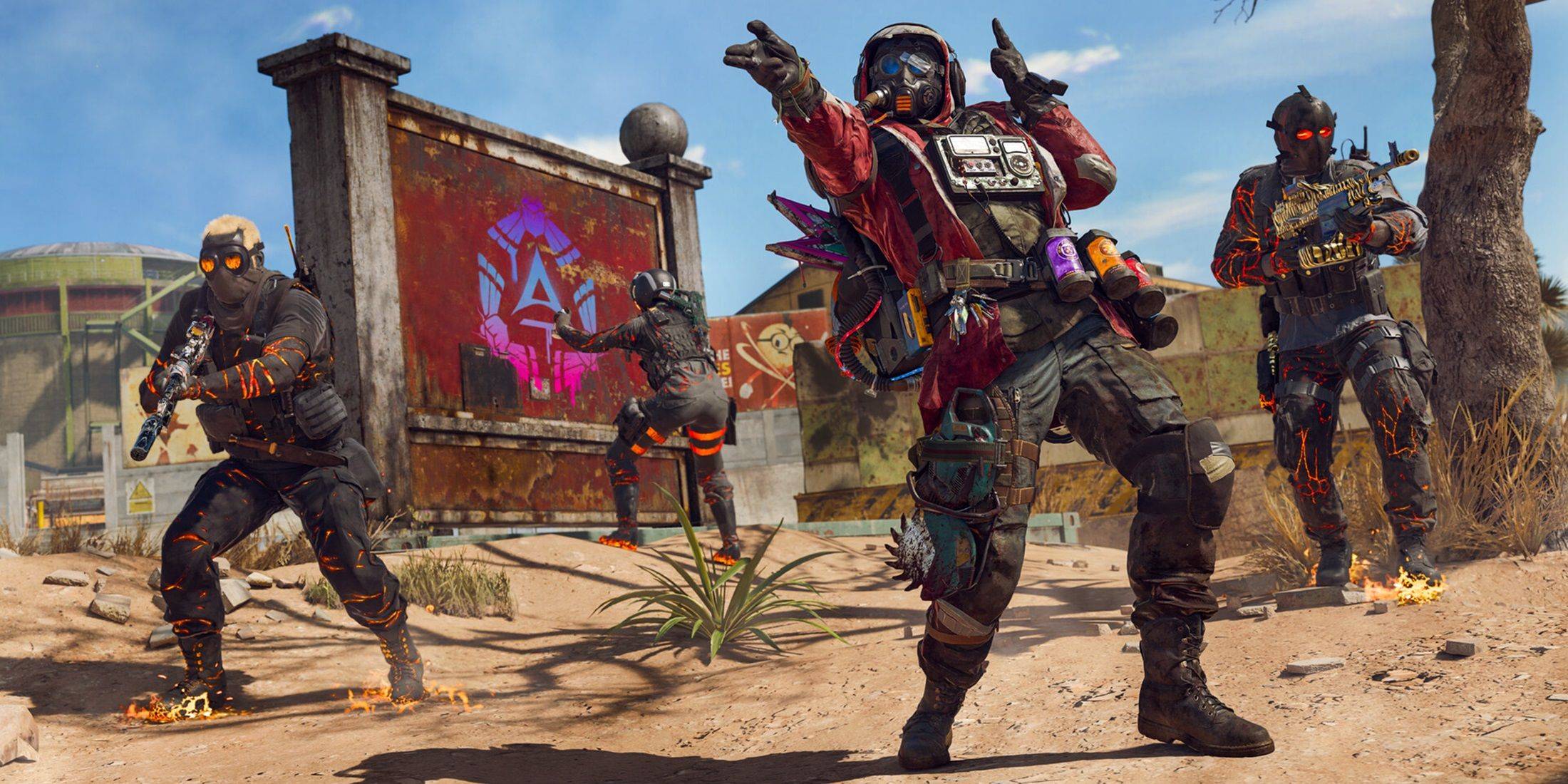 As of January 13, 2025, Call of Duty: Warzone servers are operational. A minor issue following a same-day patch temporarily disrupted matchmaking, preventing players from entering matches. However, developers quickly addressed the problem.
They acknowledged the issue on Twitter, explaining that the patch might cause extended matchmaking times or prevent access entirely. The problem was resolved within hours. Additional fixes for other in-game issues have also been implemented. Players can now join matches without interruption.
How To Fix Connectivity Issues In Call of Duty: Warzone
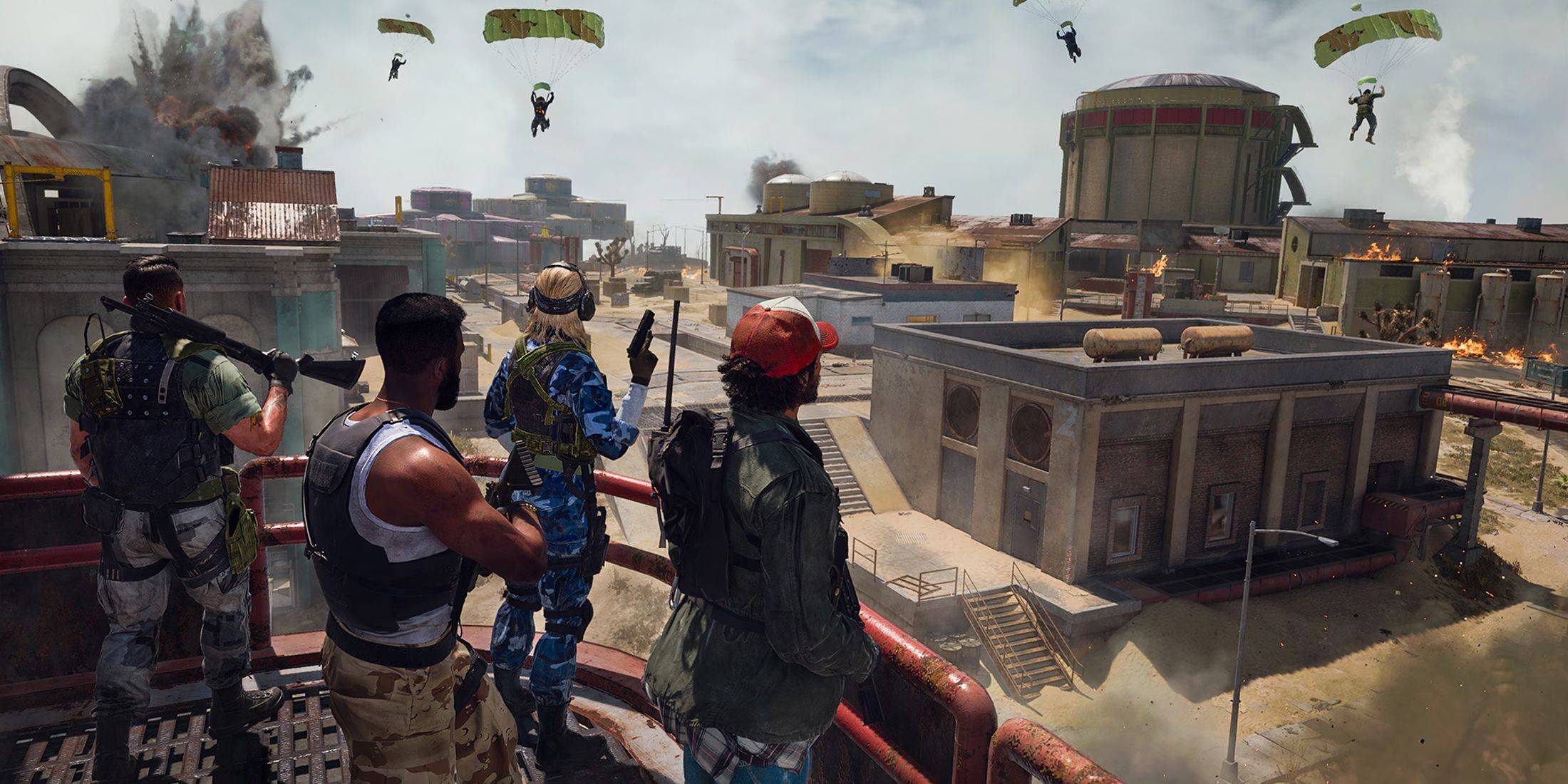 Experiencing connectivity problems in Call of Duty: Warzone? Try these troubleshooting steps:
- Check for Updates: An outdated game version can cause connection or access problems. Check for updates within the Call of Duty app and install any available updates.
- Restart Warzone: Close and relaunch the game to resolve minor issues, particularly after updates or playlist changes.
- Check Your Router Connection: Ensure your router or modem is functioning correctly. A hard reset can resolve issues like loose cables or minor disruptions.
- Test Your Network Connection: Test your network connection (Wi-Fi or Ethernet) to identify any interruptions.
- Swap Connection Methods: If using Wi-Fi, try a wired Ethernet connection (generally more stable). Conversely, if using Ethernet, try Wi-Fi.







![Roblox Forsaken Characters Tier List [UPDATED] (2025)](https://img.actcv.com/uploads/18/17380116246797f3e8a8a39.jpg)


- 1 Silent Hill 2 Remake Confirms Xbox, Switch Release in 2025 Feb 08,2025
- 2 Fix 'Can't Connect to Host' Error in Ready or Not: Quick Solutions Jun 13,2025
- 3 Connect Asus ROG Ally to TV or Monitor: Easy Guide Apr 06,2025
- 4 Dragon Soul Tier List: Ultimate Guide May 12,2025
- 5 The Best Free Comic Book Sites and Apps in 2025 Mar 18,2025
- 6 "Persona Games and Spin-Offs: Complete Chronological List" Apr 09,2025
- 7 How to Run JioHotstar on PC with BlueStacks Feb 28,2025
- 8 Assassin's Creed Shadows: Max Level and Rank Cap Revealed Mar 27,2025





-
Top Arcade Classics and New Hits
A total of 10
-
Addictive Arcade Games for Mobile
A total of 10
-
Android Apps for Video Content Creation
A total of 10









