
Ecos La Brea Controls for PC, Console, and Mobile – Full Keybinds List
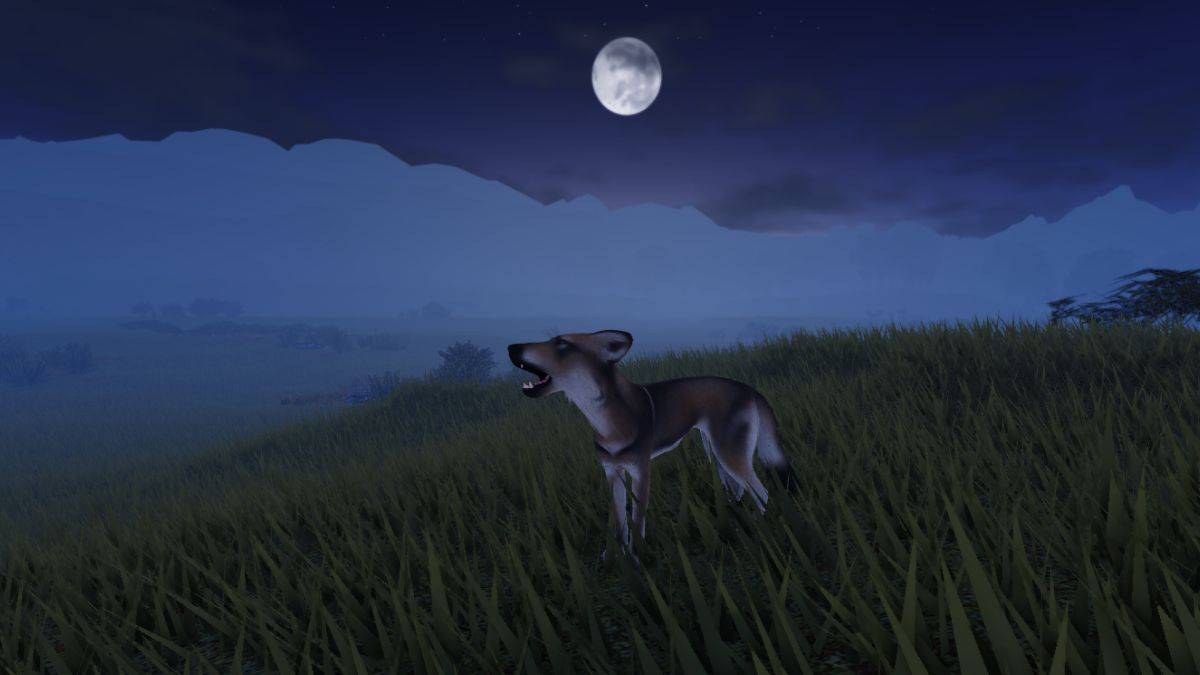
Master Ecos La Brea: A Comprehensive Guide to Keybinds
Survival in Ecos La Brea hinges on precise control. One wrong keystroke can be fatal. This guide provides a complete list of Ecos La Brea keybinds for PC, controller (PC use only), and mobile platforms, ensuring your survival.
Ecos La Brea PC Controls
This table details all PC controls for Ecos La Brea, streamlining your learning curve.
| Action | Button |
|---|---|
| Run | Left Shift |
| Walk Backwards | Left CTRL |
| Mouse Lock | Left Alt |
| Trot Toggle | Z |
| Sprint Toggle | X |
| Crouch | C |
| Jump | Space |
| Primary Attack | Mouse Button 1 |
| Secondary Attack | F |
| Ring Minigame | Space |
| Eat / Drink / Interact | E |
| Scent | B |
| Rest | R |
| Stand | T |
| Flee Mode | Space |
| Broadcast | 1 |
| Alert / Friendly | 2 |
| Friendly | 3 |
| Threat | 4 |
| Aggressive / Danger | 5 |
| Action Wheel | . |
| Mark Predator / Prey | U |
| Hide HUD | H |
| Freeze Neck | – |
| Neck Turn Mode | O |
| Map | M |
| Menu | L |
| Claim Territory | P |
| Enter flee mode (predator highlighted) | Hold Jump |
| Grab / Drop Object | Tap Eat |
Ecos La Brea Controller Controls (PC Only)
While console release is pending, controller support exists on PC.
| Action | Button |
|---|---|
| Run | LT |
| Walk Backwards | B |
| Mouse Lock | N/A |
| Trot Toggle | X |
| Sprint Toggle | Y |
| Crouch | LS |
| Jump | A |
| Primary Attack | RB |
| Secondary Attack | RT |
| Ring Minigame | A |
| Eat / Drink / Interact | LB |
| Scent | DPad Left |
| Rest | DPad Down |
| Stand | N/A |
| Flee Mode | N/A |
| Broadcast | N/A |
| Alert / Friendly | N/A |
| Friendly | N/A |
| Threat | N/A |
| Aggressive / Danger | N/A |
| Action Wheel | DPad Up |
| Mark Predator / Prey | DPad Right |
| Hide HUD | N/A |
| Freeze Neck | N/A |
| Neck Turn Mode | O |
| Map | N/A |
| Menu | N/A |
| Claim Territory | N/A |
| Enter flee mode (predator highlighted) | Hold Jump |
| Grab / Drop Object | Tap Eat |
Ecos La Brea Mobile Controls
Mobile controls are designed for intuitive gameplay.
| Action | Button |
|---|---|
| Run | Paw Button |
| Walk Backwards | N/A |
| Mouse Lock | N/A |
| Trot Toggle | N/A |
| Sprint Toggle | N/A |
| Crouch | N/A |
| Jump | Arrow Button |
| Primary Attack | Jaw Button |
| Secondary Attack | Claw Button |
| Ring Minigame | N/A |
| Eat / Drink / Interact | Food Button |
| Scent | N/A |
| Rest | N/A |
| Stand | N/A |
| Flee Mode | N/A |
| Broadcast | N/A |
| Alert / Friendly | N/A |
| Friendly | N/A |
| Threat | N/A |
| Aggressive / Danger | N/A |
| Action Wheel | Wheel Button |
| Mark Predator / Prey | N/A |
| Hide HUD | N/A |
| Freeze Neck | N/A |
| Neck Turn Mode | N/A |
| Map | N/A |
| Menu | N/A |
| Claim Territory | N/A |
| Enter flee mode (predator highlighted) | Hold Jump |
| Grab / Drop Object | Tap Eat |
Customizing Keybinds
To adjust default keybinds, navigate to the settings menu, select the action, and press your desired replacement key. A light green color indicates selection; red indicates a key conflict.










![Roblox Forsaken Characters Tier List [UPDATED] (2025)](https://img.actcv.com/uploads/18/17380116246797f3e8a8a39.jpg)

- 1 Silent Hill 2 Remake Confirms Xbox, Switch Release in 2025 Feb 08,2025
- 2 Connect Asus ROG Ally to TV or Monitor: Easy Guide Apr 06,2025
- 3 Dragon Soul Tier List: Ultimate Guide May 12,2025
- 4 "Persona Games and Spin-Offs: Complete Chronological List" Apr 09,2025
- 5 The Best Marvel Contest of Champions Tier List for 2025 Mar 19,2025
- 6 Fix 'Can't Connect to Host' Error in Ready or Not: Quick Solutions Jun 13,2025
- 7 Assassin's Creed Shadows: Max Level and Rank Cap Revealed Mar 27,2025
- 8 "Discover All Templar Locations in Assassin’s Creed Shadows - Spoiler Guide" Apr 04,2025





-
Top Arcade Classics and New Hits
A total of 10
-
Addictive Arcade Games for Mobile
A total of 10
-
Android Apps for Video Content Creation
A total of 10









