
Run Sega CD Games Seamlessly on Steam Deck
This guide details how to play Sega CD games on your Steam Deck using EmuDeck. It covers pre-installation steps, EmuDeck installation, ROM and BIOS transfer, ROM management, cover art fixes, gameplay, and troubleshooting.
Pre-Installation:
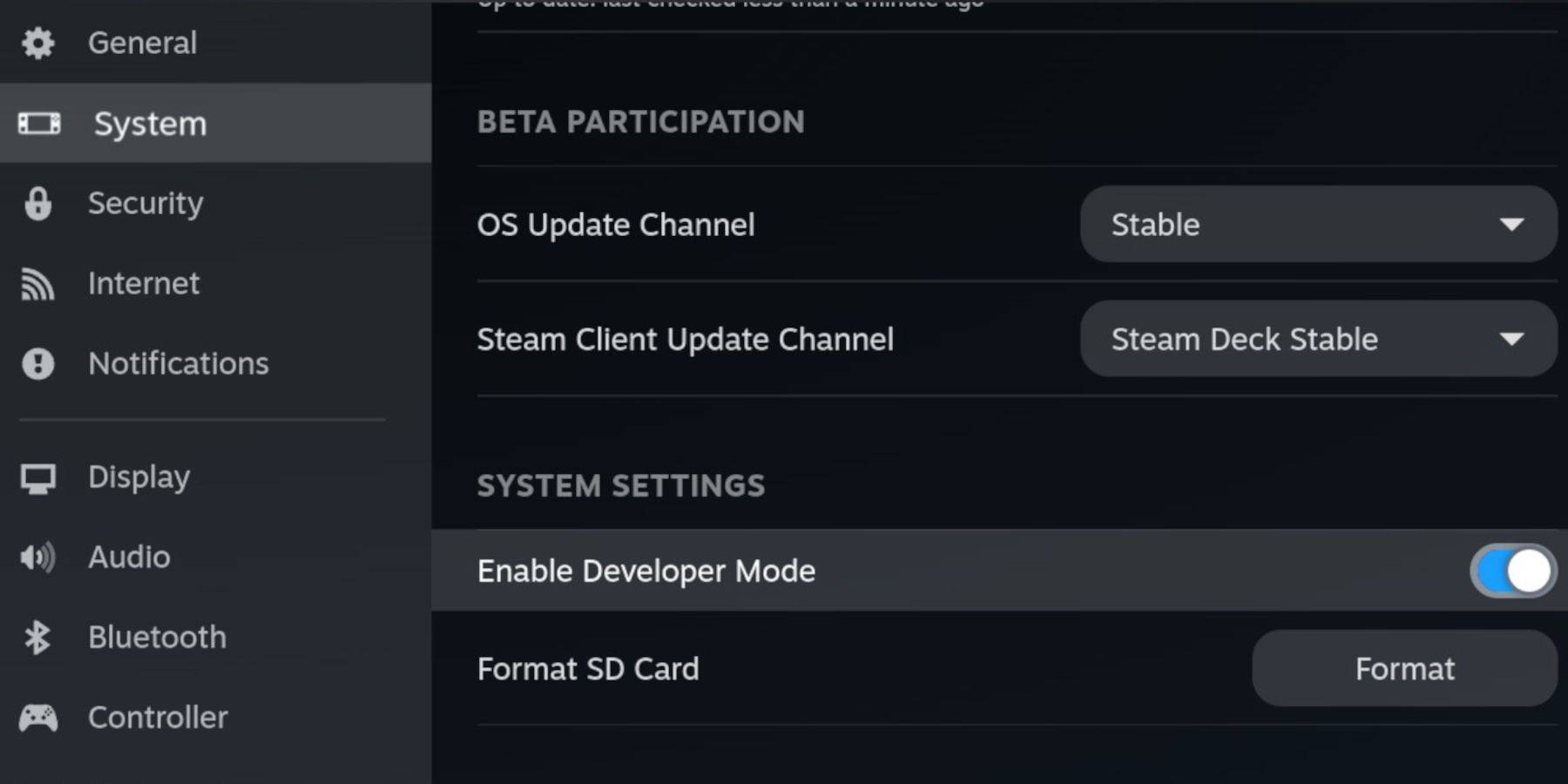 Enable Developer Mode and CEF Remote Debugging on your Steam Deck for compatibility. You'll need a high-speed A2 microSD card (formatted on the Steam Deck), legally obtained Sega CD ROMs and BIOS files, and optionally a keyboard/mouse.
EmuDeck Installation:
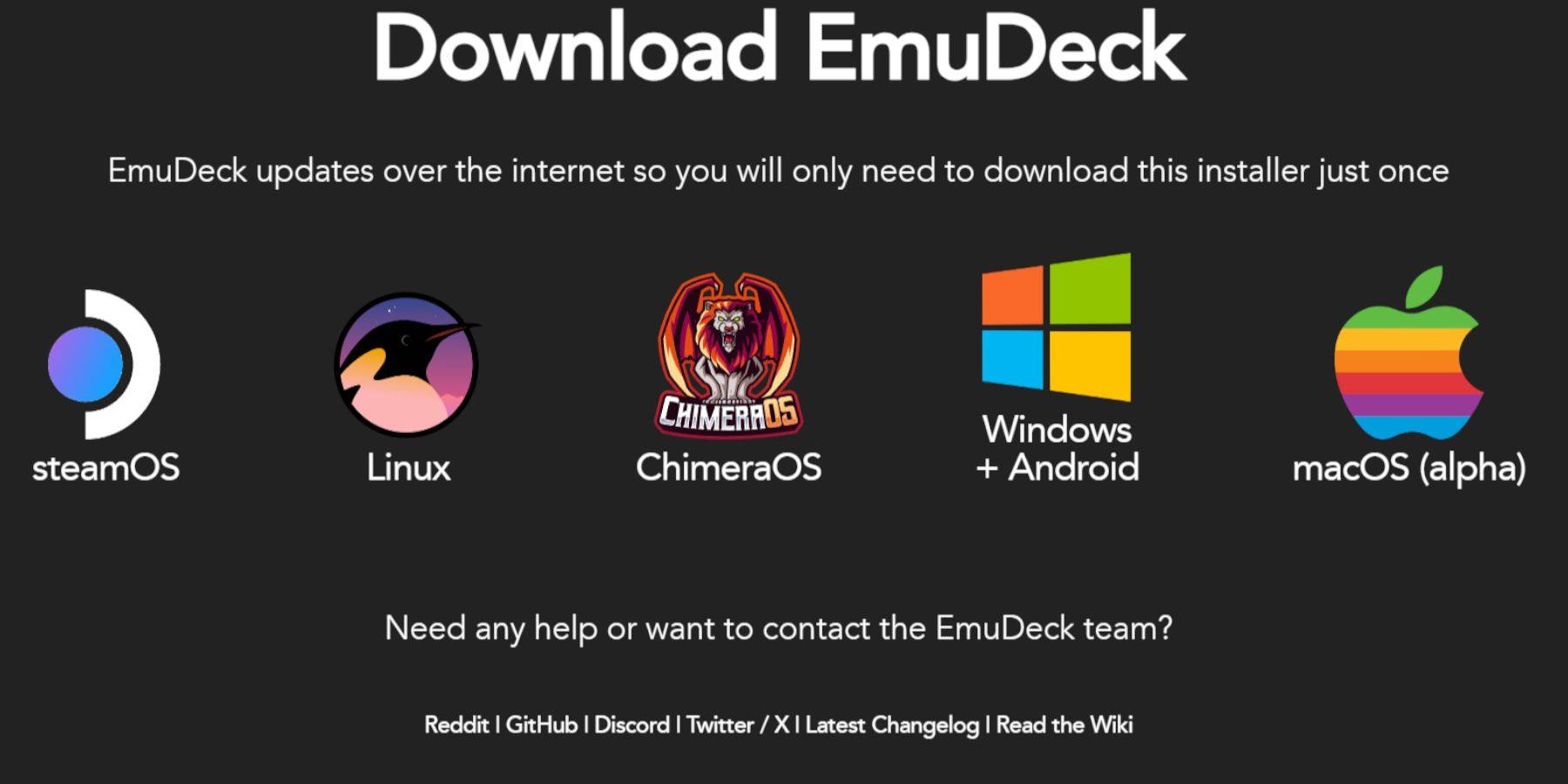 Switch to Desktop Mode, download a browser (from the Discovery Store), download EmuDeck, and run the installer, selecting Custom installation to your SD card. Choose RetroArch, MelonDS, Steam ROM Manager, and Emulation Station (or select all emulators).
Transferring Files:
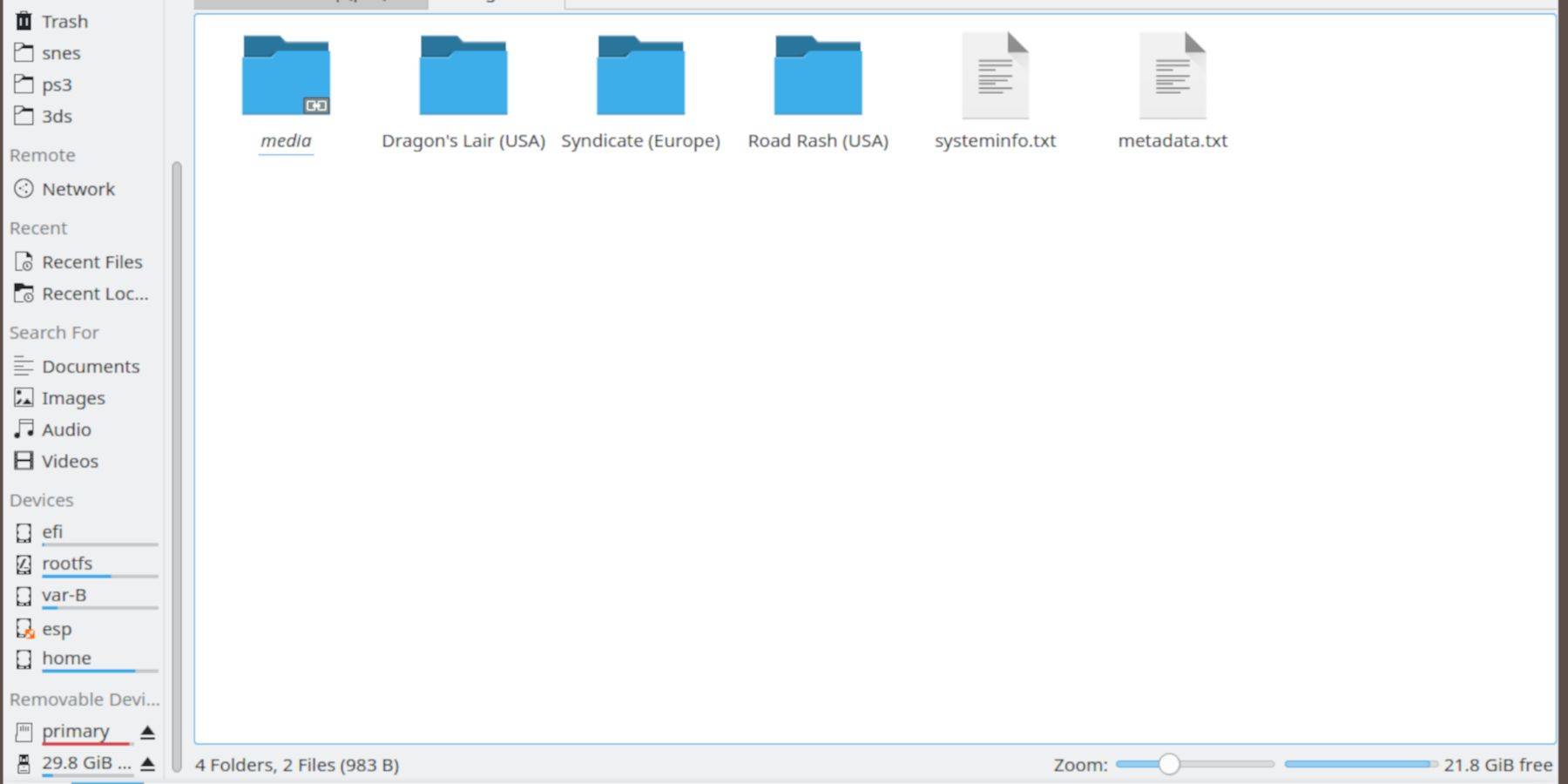 Using Dolphin File Manager (in Desktop Mode), transfer your BIOS files to
 SD Card/Emulation/BIOS and your Sega CD ROMs to SD Card/Emulation/ROMS/segaCD (or megaCD).
Adding ROMs to Steam:
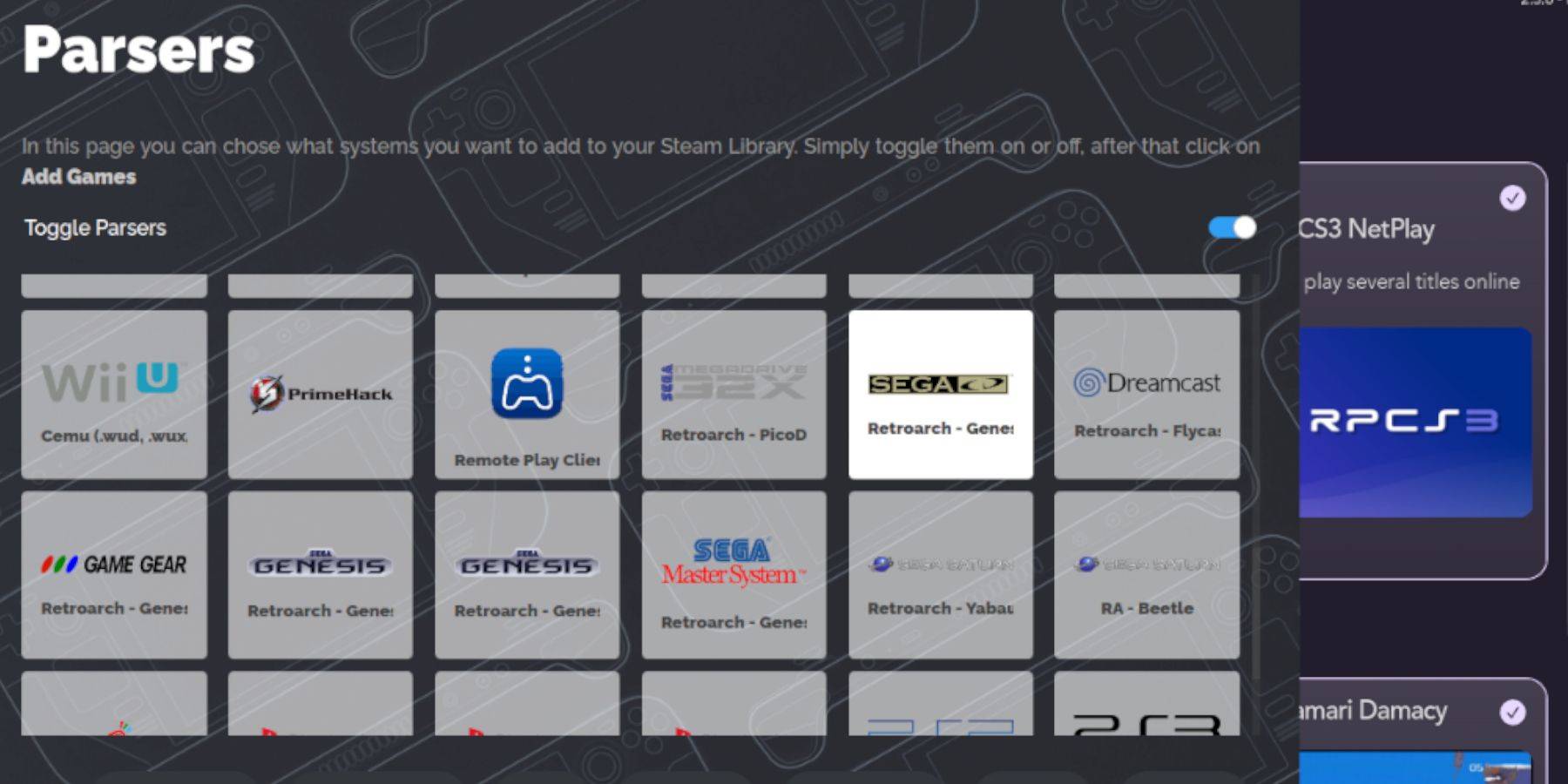 Open EmuDeck, launch Steam ROM Manager, and add your Sega CD games. Use the "Parse" function to automatically add game metadata and covers.
Fixing Missing Covers:
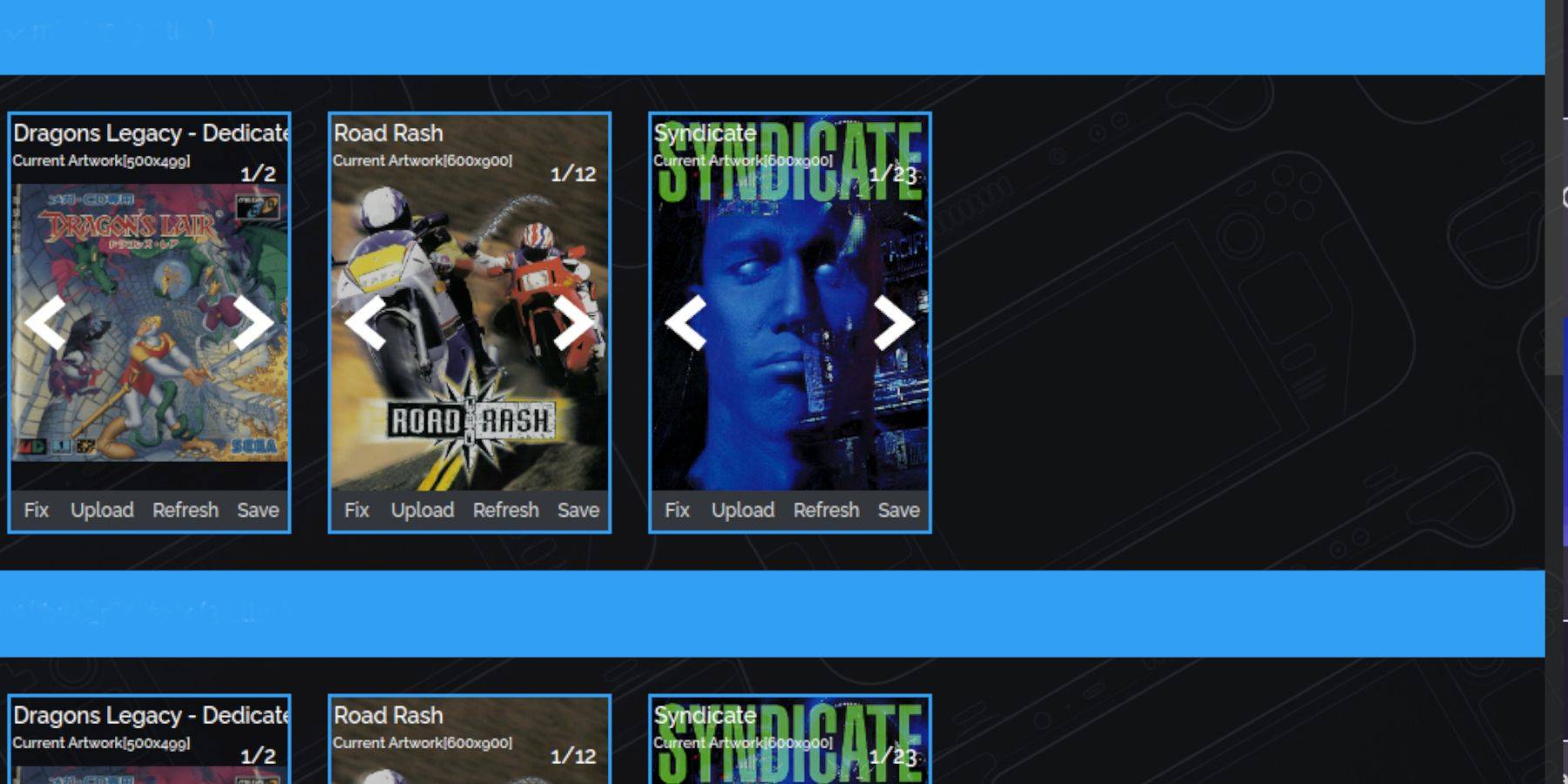 Steam ROM Manager usually handles cover art, but for missing covers, use the "Fix" function or manually upload images via the "Upload" option.
Playing Your Games:
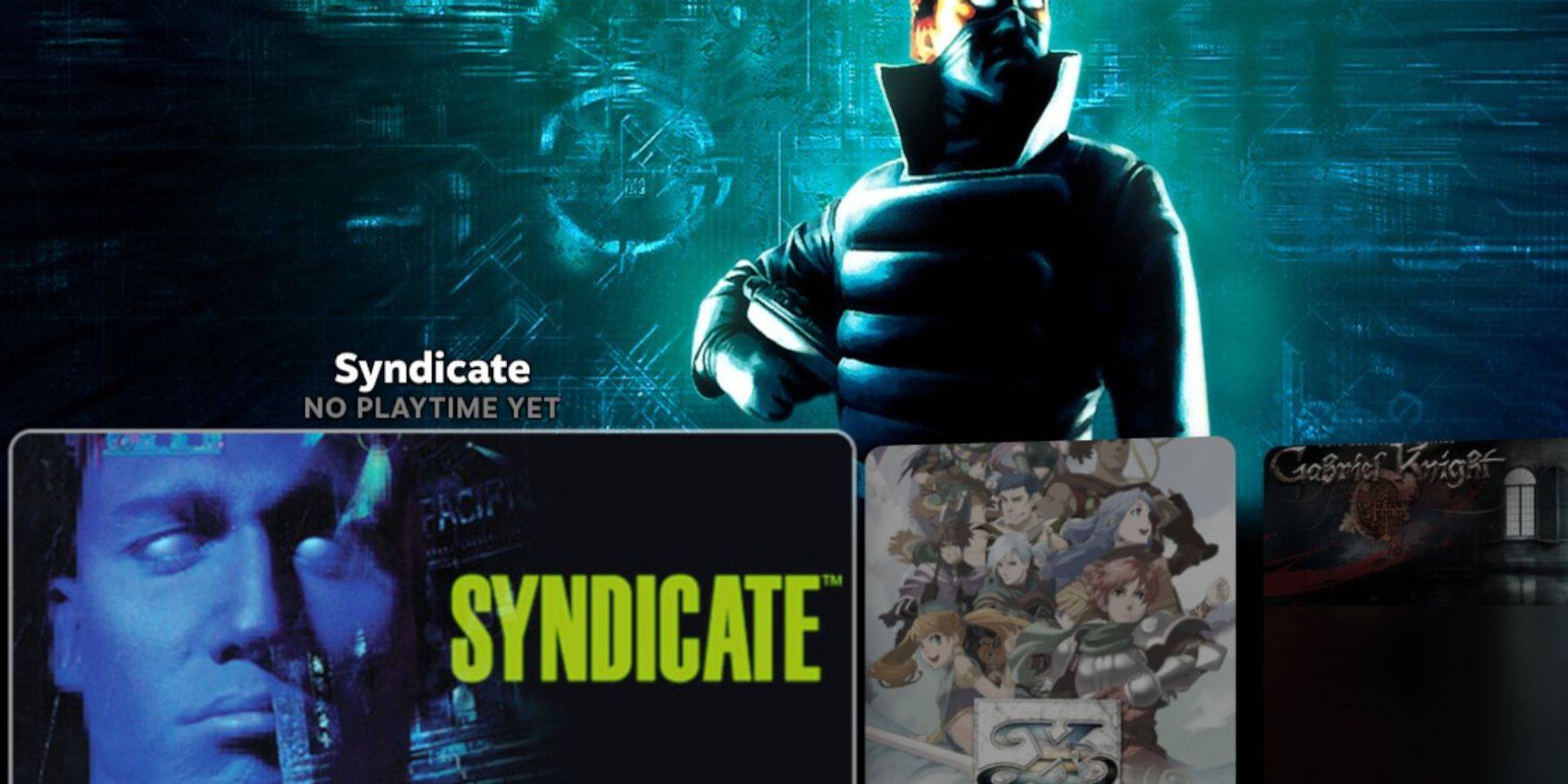 Access your Sega CD games in Gaming Mode via the Steam Library's Collections tab. Emulation Station (if installed) provides an alternative, organized library. Use Emulation Station's scraper function for improved metadata and cover art.
Decky Loader Installation:
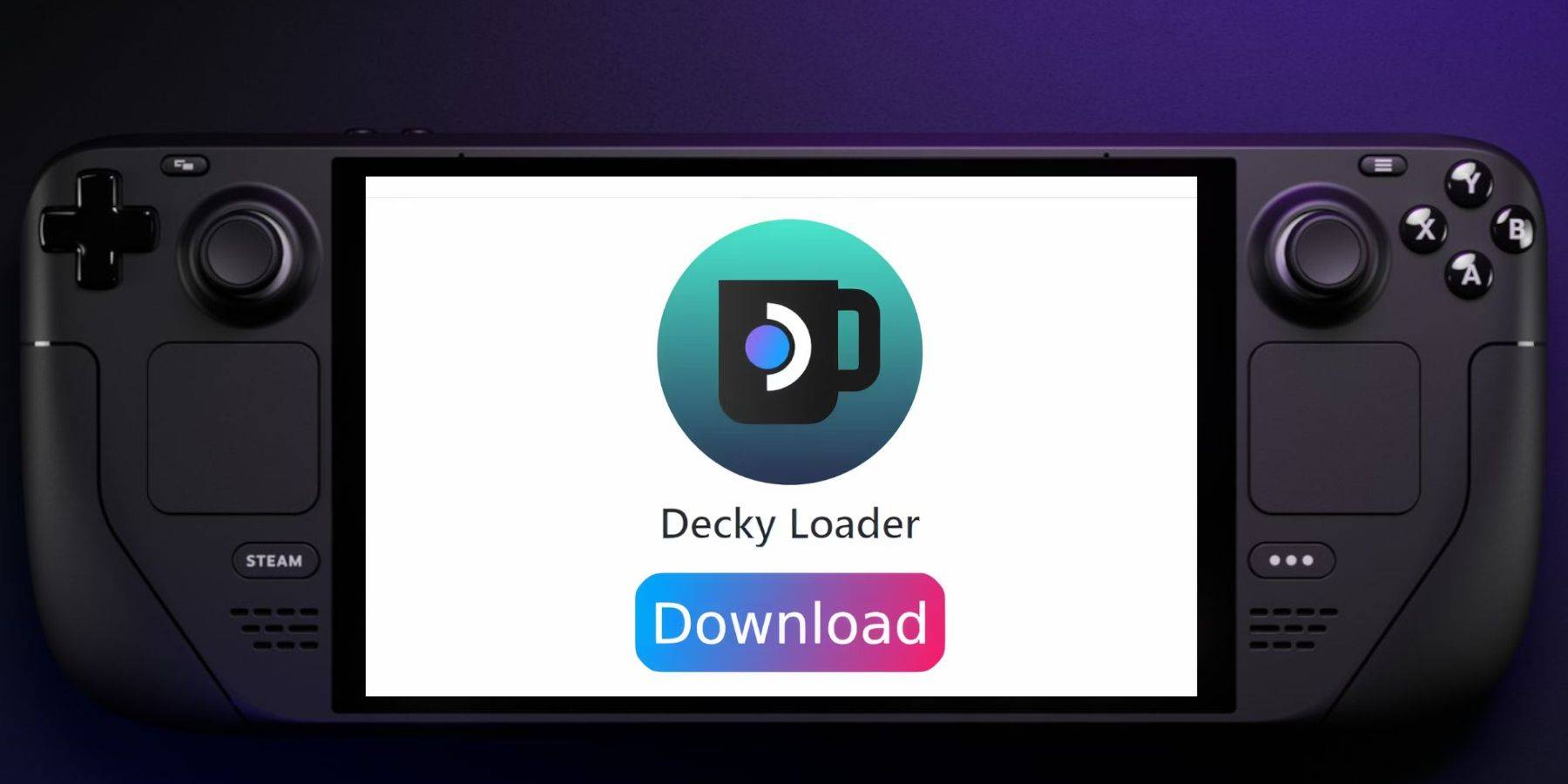 Install Decky Loader (from its GitHub page) for enhanced functionality and access to Power Tools.
Power Tools Installation and Optimization:
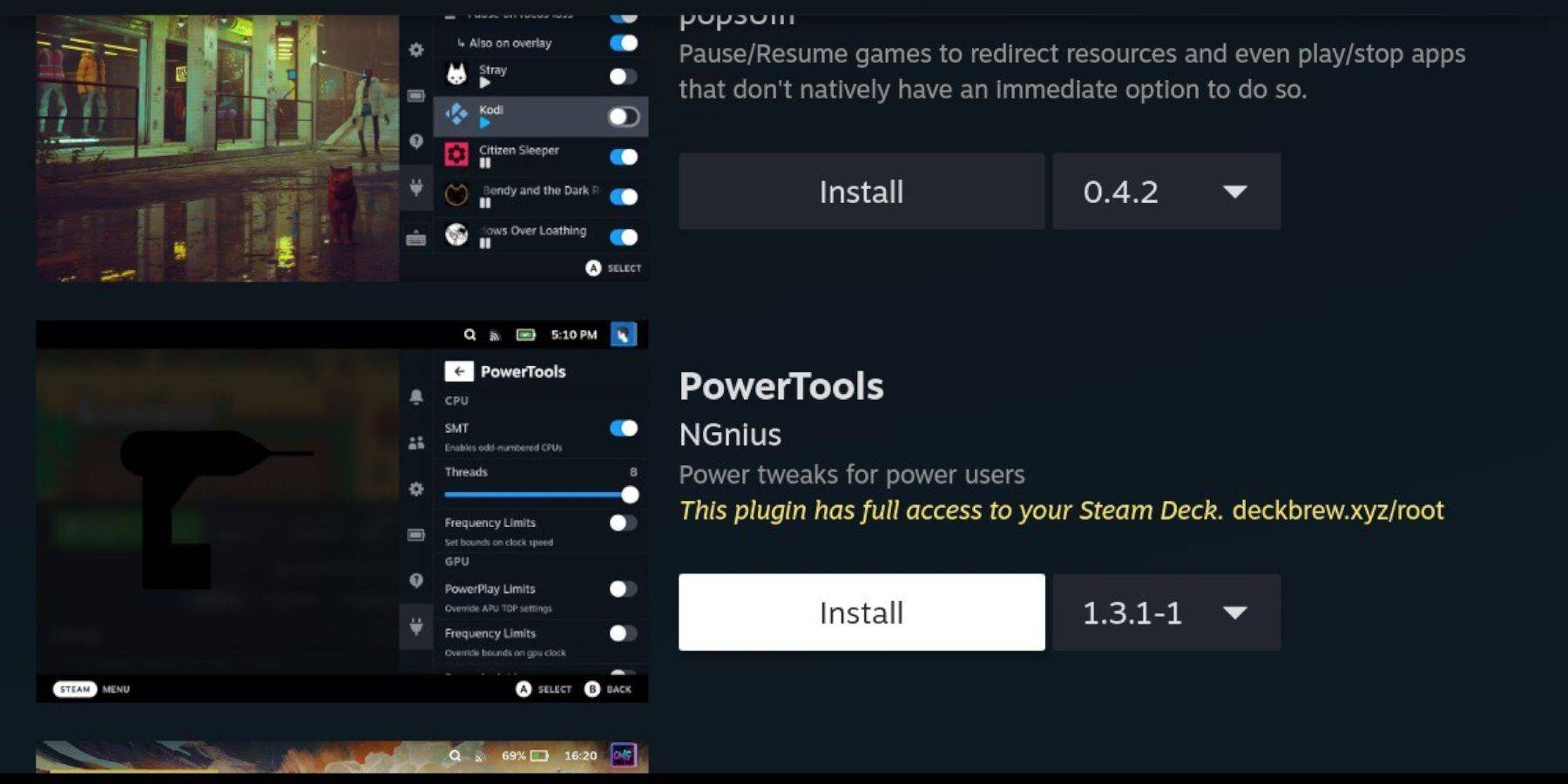 Use Decky Loader to install Power Tools. Optimize settings (disable SMTs, set Threads to 4, adjust GPU clock) for improved emulation performance.
Fixing Decky Loader After Updates:
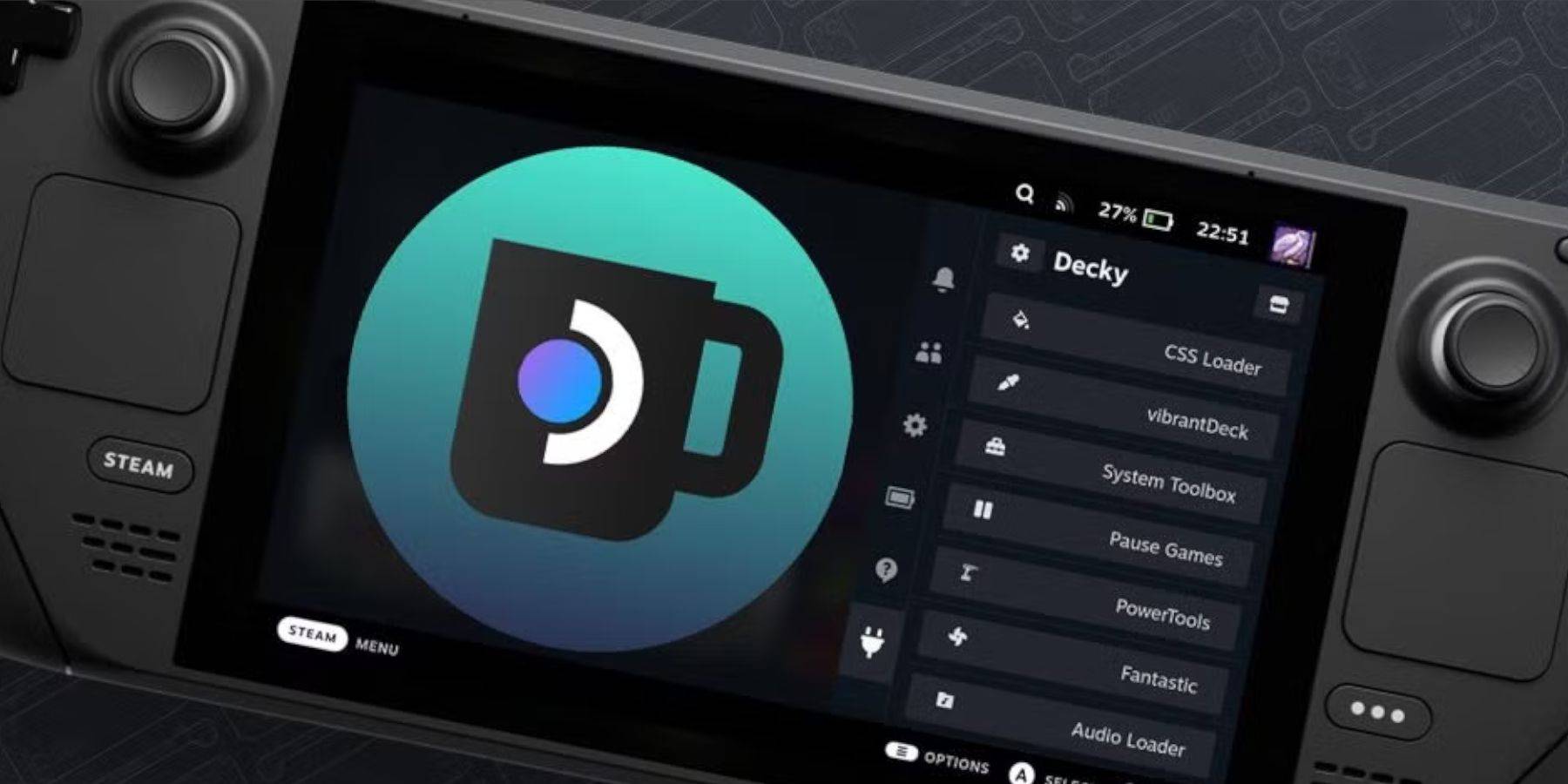 If Decky Loader is removed after a Steam Deck update, reinstall it from the GitHub page using the "Execute" option in Desktop Mode.
This comprehensive guide ensures a smooth Sega CD emulation experience on your Steam Deck.









![Roblox Forsaken Characters Tier List [UPDATED] (2025)](https://img.actcv.com/uploads/18/17380116246797f3e8a8a39.jpg)


- 1 Silent Hill 2 Remake Confirms Xbox, Switch Release in 2025 Feb 08,2025
- 2 Connect Asus ROG Ally to TV or Monitor: Easy Guide Apr 06,2025
- 3 Fix 'Can't Connect to Host' Error in Ready or Not: Quick Solutions Jun 13,2025
- 4 The Best Free Comic Book Sites and Apps in 2025 Mar 18,2025
- 5 Dragon Soul Tier List: Ultimate Guide May 12,2025
- 6 "Persona Games and Spin-Offs: Complete Chronological List" Apr 09,2025
- 7 How to Run JioHotstar on PC with BlueStacks Feb 28,2025
- 8 Assassin's Creed Shadows: Max Level and Rank Cap Revealed Mar 27,2025





-
Top Arcade Classics and New Hits
A total of 10
-
Addictive Arcade Games for Mobile
A total of 10
-
Android Apps for Video Content Creation
A total of 10









